To buy a domain name, choose a registrar like Namecheap or Cloudflare, search for your desired name, add it to your cart, and complete checkout - typically costing $10–15/year for a .com. The whole process takes under ten minutes once you know what you want. The hardest part isn't buying - it's finding a good available name, which tools like FindMyURL can help with.
What Is a Domain Name and Why Do You Need One?
A domain name is your address on the internet - the string of text (like yourbrand.com) people type to reach your website, and the root of your professional email address. Without one, you can't own a permanent home online.
You need a domain name if you're:
- Launching a website, blog, or online store
- Setting up a professional email (
you@yourbrand.com) - Protecting a brand name before someone else registers it
- Building a portfolio or personal site
If you are buying for a specific use case, start with the right naming guide first: online store domains, SaaS product domains, or freelance business domains.
A domain name is separate from web hosting. The domain is your address; hosting is the physical space where your website files live.
Where Do You Buy a Domain Name? (Registrars Explained)
You buy domain names from companies called domain registrars - accredited providers authorised to register domains on your behalf through ICANN, the internet's governing body. You don't actually "own" a domain outright; you lease the right to use it, typically in one-year increments.
What Should You Look for in a Registrar?
Before comparing specific options, here's what separates a good registrar from a frustrating one:
| Feature | What to Look For |
|---|---|
| Pricing transparency | Renewal price shown upfront, not hidden until checkout |
| Free WHOIS privacy | Should be included at no extra cost |
| Minimal upsells | Clean checkout without forced add-ons |
| DNS management | Full control over DNS records |
| Two-factor authentication | Essential for account security |
| Customer support | Live chat or fast email response |
Which Registrar Is Best for Beginners?
Here are the four registrars most recommended for beginners in 2026:
Namecheap The most popular choice for beginners. Transparent pricing, free WHOIS privacy on most TLDs, a clean interface, and no aggressive upsells. Renewal prices are reasonable and clearly displayed.
Cloudflare Registrar Charges at-cost pricing - exactly what ICANN charges, with zero markup. Free WHOIS privacy. No upsells at all. The catch: you can't register a new domain directly through Cloudflare; you need to transfer one in after registering elsewhere. Best for cost-conscious users managing existing domains.
GoDaddy The largest registrar in the world with a household name. First-year pricing is often very cheap ($1–2 for promos), but renewal prices can be significantly higher. WHOIS privacy costs extra. Known for aggressive upsell flows at checkout. Fine if you know what to expect, but beginners often end up overpaying.
Porkbun A rising favourite in the developer community. Genuinely low prices, free WHOIS privacy, and a refreshingly honest checkout. Great for bulk registrations and less common TLDs.
How Much Does a Domain Name Cost? (Registrar Price Comparison)
Pricing varies significantly between registrars and between first-year promotions versus ongoing renewal rates. Always check the renewal price, not just the intro price.
.com, .io, and .app Price Comparison (2026)
| Registrar | .com (Year 1) | .com (Renewal) | .io (Year 1) | .io (Renewal) | .app (Year 1) | .app (Renewal) |
|---|---|---|---|---|---|---|
| Namecheap | ~$9–11 | ~$14–16 | ~$32–35 | ~$35–38 | ~$14–16 | ~$16–19 |
| GoDaddy | ~$1–2 (promo) | ~$19–22 | ~$35–45 | ~$45–55 | ~$20–25 | ~$22–28 |
| Cloudflare | ~$9.15 (at-cost) | ~$9.15 | ~$30–32 | ~$30–32 | ~$10–12 | ~$10–12 |
| Porkbun | ~$9–11 | ~$11–13 | ~$29–33 | ~$29–33 | ~$13–15 | ~$13–15 |
Note: Prices fluctuate with exchange rates, ICANN fee changes, and promotional periods. Always verify at checkout before purchasing. See our registrar comparison for a deeper breakdown of pricing traps.
Key takeaway: GoDaddy's promotional pricing looks appealing but often results in paying 2–3x more at renewal. Cloudflare and Porkbun offer the most honest long-term pricing for .com domains.
How Do You Find a Good Domain Name Before Buying?
Before you can buy, you need a name that's actually available. Most obvious names - especially short, clean .com domains - are already registered.
Your options:
- Brainstorm variations - add words like "get", "use", "try", "go", or your location
- Try different TLDs -
.io,.app,.co,.devare popular alternatives - Use an AI domain generator - this is the fastest way to find available, brandable options
FindMyURL uses AI to generate domain names and checks real-time availability across major domain registrars, so every suggestion you see is actually available to register right now.
→ Read our full guide: What makes a good domain name? → Or: How to check if a domain name is available
Step-by-Step: How Do You Actually Buy a Domain Name?
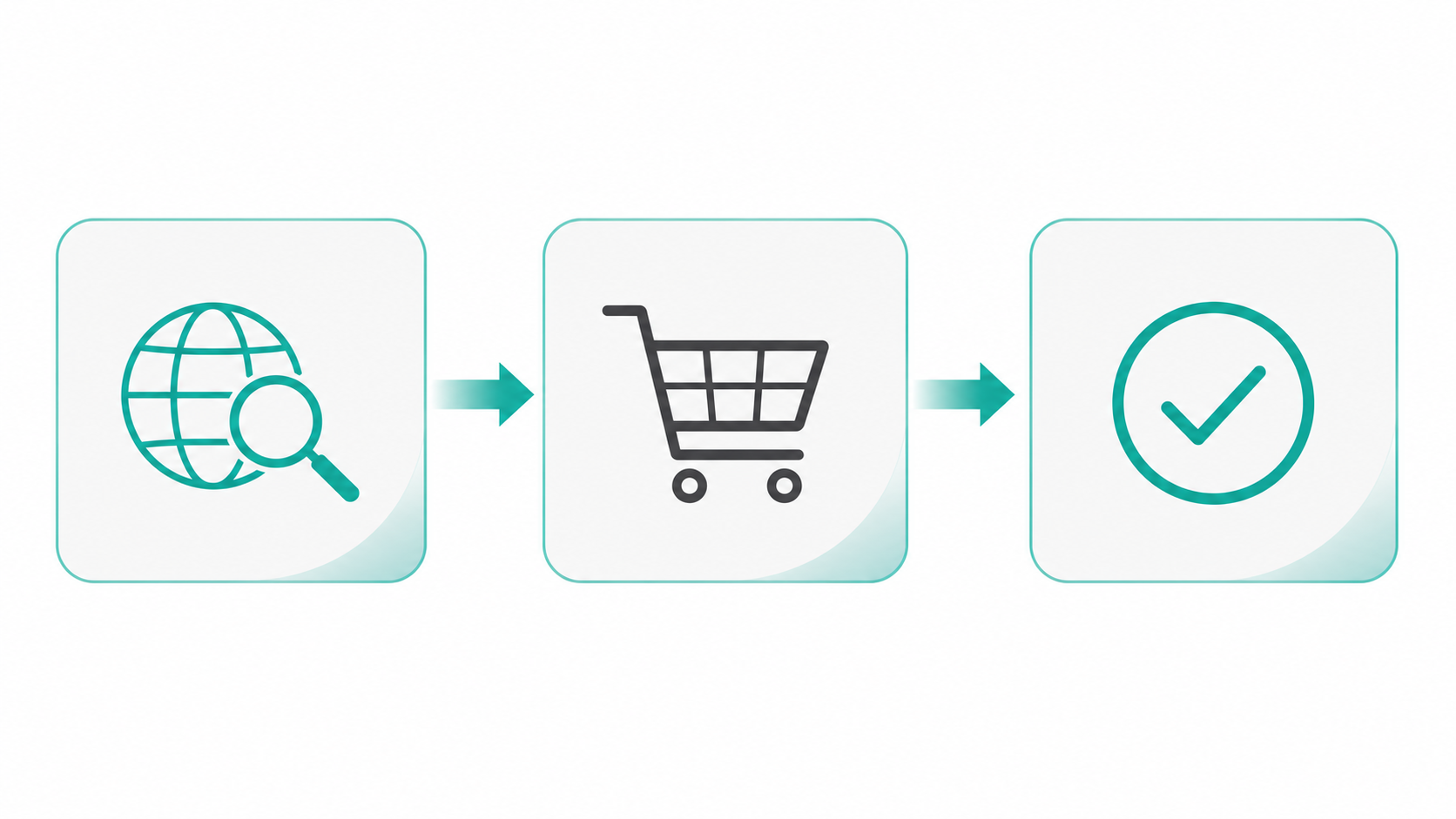
Here's the complete process from start to finish, using Namecheap as the example (the flow is nearly identical on other registrars).
Step 1: Find an Available Domain Name
Go to findmyurl.app or your chosen registrar's search bar. Type in your desired name and extension (e.g., yourbrand.com).
- If it's available: proceed to step 2
- If it's taken: try variations, different TLDs, or use FindMyURL to generate alternatives
Step 2: Choose Your Registrar
Based on the comparison above, pick your registrar. For most beginners: Namecheap for ease of use, Porkbun for price, or Cloudflare if you're transferring an existing domain.
Step 3: Add to Cart
Click "Add to Cart" on your chosen domain. At this point, registrars will typically try to upsell you on:
- Hosting - skip if you already have a host
- Email hosting - skip unless you need it now
- SSL certificates - most hosts include free SSL via Let's Encrypt
- WHOIS privacy - check if it's already free (it should be on Namecheap and Porkbun)
- Domain privacy protection "upgrades" - usually unnecessary
Step 4: Create an Account or Log In
You'll need an account with the registrar. Use a permanent email address you'll have access to long-term - this is critical, as domain renewal notices go here.
Enable two-factor authentication immediately after account creation.
Step 5: Complete Checkout
Review your cart carefully:
- Confirm the registration period (1 year minimum; you can register up to 10 years in advance)
- Verify WHOIS privacy is included or added
- Check that the renewal price is acceptable - not just the intro price
- Remove any upsells you don't need
Pay via credit card, PayPal, or cryptocurrency depending on the registrar.
Step 6: Confirm Ownership
After purchase, you'll receive a confirmation email. Some registries require email verification - check your inbox and click any verification link promptly. Failure to verify can result in your domain being suspended.
You are now the registrant of your domain name.
What Is WHOIS Privacy and Do You Actually Need It?
When you register a domain, ICANN historically required your name, address, phone number, and email to be listed in the public WHOIS database - searchable by anyone.
WHOIS privacy protection (also called domain privacy or private registration) replaces your personal details with the registrar's proxy contact information, keeping your identity off the public record.
Should you pay for WHOIS privacy?
No - you should never pay extra for it. WHOIS privacy is free at Namecheap, Porkbun, and Cloudflare. GoDaddy charges for it, which is a mark against them for privacy-conscious buyers.
Under GDPR (EU), many registrars now redact personal information by default for European registrants, but WHOIS privacy is still worth enabling everywhere for:
- Preventing spam to your contact email
- Keeping your home address private if you're a solo operator
- Reducing domain hijacking risk
Bottom line: Choose a registrar that includes free WHOIS privacy. Don't pay for it as an add-on.
What Happens to Your Domain After You Buy It?
After purchase, your domain is registered in your name for the period you paid for. Here's what happens next:
DNS Propagation
Your domain is "live" in the DNS system within minutes of registration, but pointing it at a website requires configuring DNS records - more on that below.
Auto-Renewal
Most registrars enable auto-renewal by default. This is generally a good thing (you don't want to accidentally lose your domain), but:
- Keep your payment method up to date
- Make sure your contact email is active
- Understand the registrar's grace period if a payment fails
Expiration and Grace Period
If a domain expires, most registrars offer a 30–45 day grace period to renew at normal price. After that, it may enter a "redemption period" where recovery costs $50–200+. After redemption, the domain is deleted and becomes available to anyone.
Never let a domain you care about expire.
What Are the Biggest Mistakes Beginners Make When Buying a Domain?
1. Falling for First-Year Promo Pricing
A $1.99 first-year .com from GoDaddy sounds great - until renewal hits at $22+/year. Always check the renewal price before committing.
2. Buying Premium Domains Without Research
Some domains are marked "premium" by registrars and cost hundreds or thousands of dollars. These are not better than standard domains for most use cases. If a name is flagged as premium, try a variation.
If you are considering a resale or expired domain, read should you buy an expired domain? before paying above standard registration price.
For context on why the highest-end names command such large prices, read domain names that sold for over $1 million.
3. Ignoring WHOIS Privacy
Registering without WHOIS privacy exposes your personal information publicly. Enable it - free - at checkout.
4. Using a Temporary Email for Registration
Your domain is tied to your registrar account email. If you lose access to that email, recovering your account becomes extremely difficult. Use a permanent address.
5. Registrar Lock-In
Some registrars make it deliberately difficult to transfer your domain elsewhere. Check the registrar's transfer policy before buying, especially if you're price-comparing and might want to move later. See our guide on how to transfer a domain name if you're moving from another registrar.
6. Buying from the Wrong Registrar for Your Use Case
Compare options before committing. Our full breakdown at GoDaddy vs Namecheap vs Google Domains covers the key differences in detail.
How Do You Connect a Domain to a Website?
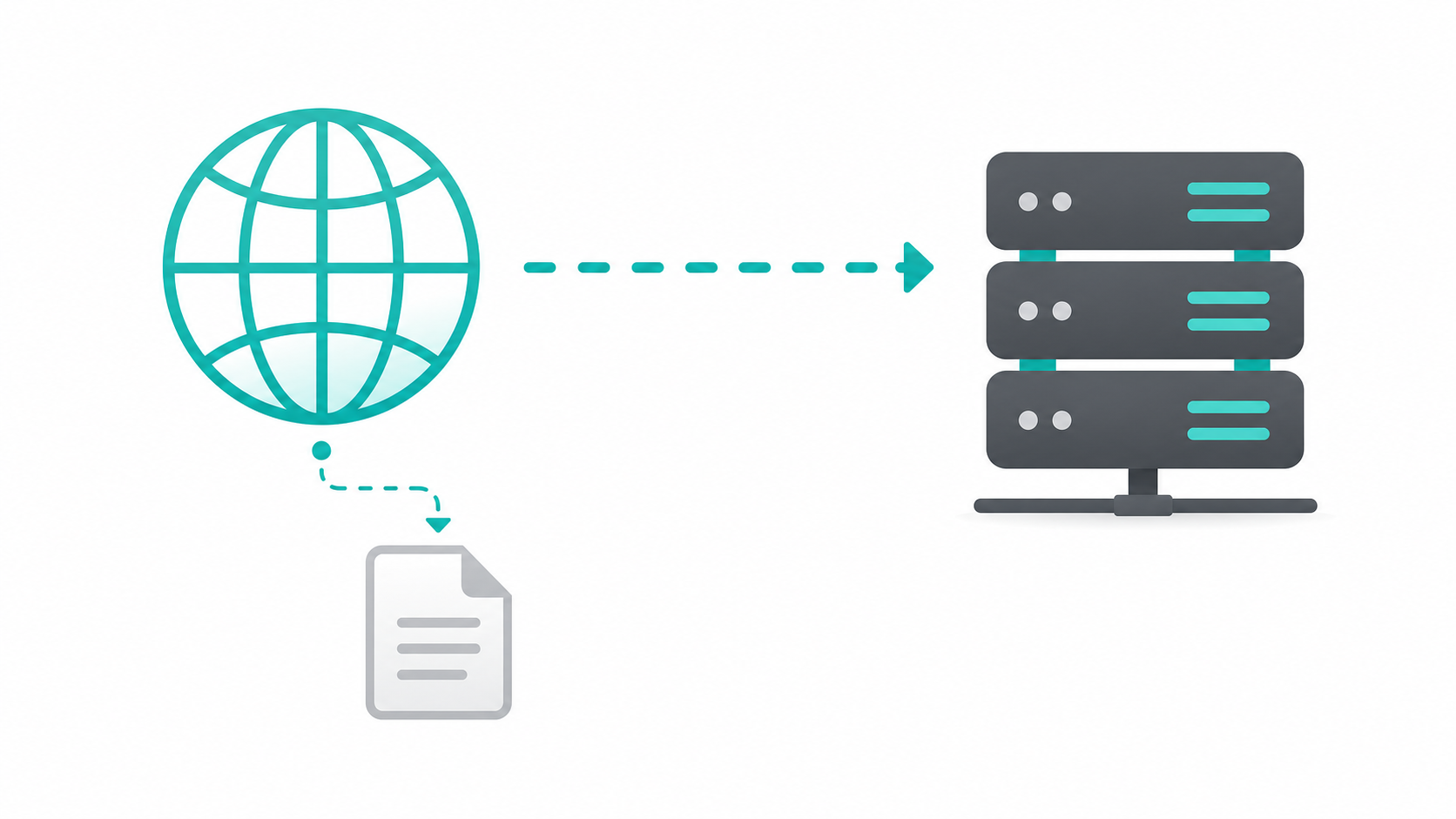
Buying a domain and having a working website are two separate things. To connect them, you use DNS (Domain Name System) - the internet's phonebook that maps your domain name to a server's IP address.
Two Ways to Connect a Domain to Hosting
Option 1: Update Nameservers (recommended for beginners)
Your hosting provider will give you nameserver addresses (e.g., ns1.yourhostingprovider.com). Log into your registrar, find the DNS or Nameservers setting for your domain, and replace the default nameservers with your host's.
This hands DNS control to your hosting provider, making future changes (adding email, subdomains, etc.) manageable from your hosting dashboard.
Option 2: Add an A Record Keep DNS at your registrar and point an A record to your hosting server's IP address. More control, slightly more technical.
How Long Does DNS Take to Propagate?
DNS changes typically propagate within 1–4 hours but can take up to 48 hours in rare cases. During propagation, some visitors may see the old site and others the new one. This is normal.
Quick DNS Glossary
| Record Type | What It Does |
|---|---|
| A record | Maps domain to an IPv4 address |
| AAAA record | Maps domain to an IPv6 address |
| CNAME | Points a subdomain to another domain |
| MX record | Routes email for your domain |
| TXT record | Verification and configuration data |
| NS record | Defines which nameservers manage DNS |
Understanding Domain Renewal: What You Need to Know
Registration Period vs Renewal
When you buy a domain, you register it for 1–10 years. At the end of that period, you must renew at the registrar's standard renewal rate - which may differ significantly from the first-year promotional price.
Should You Register for Multiple Years?
Registering for 2–5 years upfront:
- Locks in today's pricing before potential increases
- Reduces the risk of accidentally letting it expire
- Marginally improves Google's trust signals (domains registered years in advance signal legitimacy)
For a domain you're serious about, registering for 2–3 years is sensible.
Can You Buy a Domain Permanently?
No - domain ownership doesn't work like purchasing physical property. ICANN rules mean you can only register domains for a maximum of 10 years at a time. You can renew indefinitely, but there's no one-time permanent purchase option. Anyone claiming to sell you a domain "forever" is either misleading you or has non-standard terms worth reading carefully.
Frequently Asked Questions
How much does it cost to buy a domain name?
A standard .com domain costs $9–15/year at reputable registrars like Namecheap, Porkbun, or Cloudflare. Promotional first-year pricing from registrars like GoDaddy can be as low as $1–2, but renewal rates are typically $19–22/year. Specialty TLDs like .io cost $30–55/year and .app costs $10–25/year depending on the registrar. Always check the renewal price before purchasing.
What is the best domain registrar for beginners?
Namecheap is the most beginner-friendly registrar - it has transparent pricing, free WHOIS privacy, a clean interface, and minimal upsells. Porkbun is slightly cheaper and equally honest. Cloudflare Registrar offers at-cost pricing but requires you to transfer a domain in rather than register directly. GoDaddy is widely used but relies on promotional pricing and is more aggressive with upsells.
Do I need to pay for WHOIS privacy?
No. WHOIS privacy (domain privacy protection) is free at Namecheap, Porkbun, and Cloudflare. GoDaddy charges extra for it, which is a key reason many users prefer other registrars. Always enable WHOIS privacy when registering - it prevents your personal contact information from appearing in the public WHOIS database.
What happens after I buy a domain name?
After purchase, you'll receive a confirmation email and your domain is registered in your name. You'll need to verify your email address if prompted. To make the domain point to a website, you must configure DNS - either by updating nameservers to point to your hosting provider, or adding an A record with your server's IP address. DNS changes propagate within 1–48 hours.
Can I buy a domain name permanently?
No. Under ICANN rules, domain names can only be registered for a maximum of 10 years at a time. You can renew indefinitely, but there is no option to purchase a domain outright and permanently. To keep a domain long-term, enable auto-renewal and keep your payment method and contact email up to date.