The most reliable way to check domain availability is through a WHOIS lookup at lookup.icann.org or by using a tool like FindMyURL that checks against registrar APIs in real time. Avoid checking directly on registrar search pages - some have been accused of front-running, registering domains that users search for and then reselling them at a markup.
What is a WHOIS lookup and how do I use it?

WHOIS is a public protocol that stores registration records for every domain name. When a domain is registered, the registrar submits data to a centralised registry, and that data becomes publicly queryable.
To run a WHOIS lookup:
- Go to lookup.icann.org
- Enter the full domain name including the TLD - for example,
mybrand.com - Review the result
A WHOIS record for a registered domain includes:
| Field | What it tells you |
|---|---|
| Registrar | Which company the domain was registered through |
| Registration date | When the domain was first registered |
| Expiry date | When the registration lapses if not renewed |
| Nameservers | Where the domain's DNS is hosted |
| Registrant contact | Owner details (often redacted under GDPR/WHOIS privacy) |
If the WHOIS query returns no match, the domain is unregistered and available to buy.
For deeper historical data - previous owners, registrant history, related domains - DomainTools WHOIS provides more advanced lookup features.
What are the different domain availability statuses?
Not every unavailable domain is the same. There are four meaningfully different states a domain can be in:
1. Available
No WHOIS record exists. The domain is unregistered and can be purchased through any accredited registrar at the standard registration price, typically £8–£15/year for a .com.
2. Registered but parked The domain is owned but has no active website. It may display a generic placeholder page or ads. The owner is either holding it speculatively or has not yet built their site. To acquire it, you must contact the owner directly or find it listed on an aftermarket platform such as Sedo or Afternic.
3. Registered and in active use The domain resolves to a live website. It is in use and not available for standard registration. Acquisition requires negotiation with the owner or waiting for the registration to lapse.
4. Premium or aftermarket domain Some registries designate short, high-value domains as "premium" at launch, pricing them significantly above standard rates - sometimes hundreds or thousands of pounds. Separately, previously registered domains can be relisted on aftermarket platforms. Both categories require higher-than-standard fees.
Tip: Always confirm the specific status before deciding how to proceed. A parked domain is not the same as an actively used one - the owner of a parked domain may be very willing to sell.
See our guide on what makes a good domain name for more on choosing the right name before you search.
What is domain front-running and should I be worried?

Domain front-running is when a registrar or third party registers a domain name immediately after a user searches for it - before the user has had a chance to complete the purchase - and then offers it back at a premium price.
How it can happen:
- A registrar's search function logs queries
- The registrar (or a related entity) registers the domain within minutes or seconds
- When you return to buy, the domain is suddenly "taken" - or the price has risen
Has this actually happened?
Yes. Network Solutions faced significant public backlash in 2008 after users reported domains they searched for being registered by the company. While the practice is difficult to prove definitively and registrars deny it, ICANN has investigated the issue. The risk is real enough to take precautions.
How to protect yourself:
- Use ICANN WHOIS to confirm availability before entering any registrar's search bar
- Use a neutral tool like FindMyURL that checks availability via API without exposing your search intent to a single registrar's systems
- Once you confirm availability, register quickly through your preferred registrar
Read more about the risk in our section on domain front-running.
Is it safe to ask ChatGPT or Claude to suggest domain names?
No - and this is an important limitation to understand.
AI chatbots like ChatGPT and Claude generate domain name suggestions based on language patterns and your brief. They do not have the ability to query live domain registries or WHOIS databases. This means:
- Every name they suggest may already be registered
- There is no live availability check behind their output
- You will waste time manually checking each suggestion
This is not a minor limitation. The overwhelming majority of short, memorable .com domains are already registered. An AI chatbot operating from a training dataset - not a live registry - will frequently suggest taken names with full confidence.
We cover this limitation in our comparison of AI domain generators vs traditional search.
FindMyURL uses AI to generate domain names and checks real-time availability across major domain registrars, so every suggestion you see is actually available to register right now.
How do I check domain availability in bulk?
If you need to check a large list of domain names simultaneously - for a rebrand, an acquisition shortlist, or a naming sprint - bulk checking tools speed up the process considerably.
Options for bulk domain checking:
- Registrar bulk search tools - Most major registrars (GoDaddy, Namecheap, etc.) offer a bulk search field. Paste in a list of names and get availability results. The front-running caveat from above applies here.
- Registrar APIs - Developers can query availability programmatically using APIs like the GoDaddy API. This allows bulk checking without using the public search interface.
- FindMyURL - Generates and checks multiple AI-suggested names in real time against registrar APIs. Faster than manual checking and front-running-neutral.
Limitations to be aware of with bulk tools:
- Results can be cached and slightly delayed - always confirm final availability at the point of purchase
- Some tools only check
.comby default; specify your preferred TLDs explicitly - Premium domain pricing is not always displayed in bulk results
Is this domain actually available? - Flowchart
Use this flowchart to work through any domain name before registering or pursuing purchase:
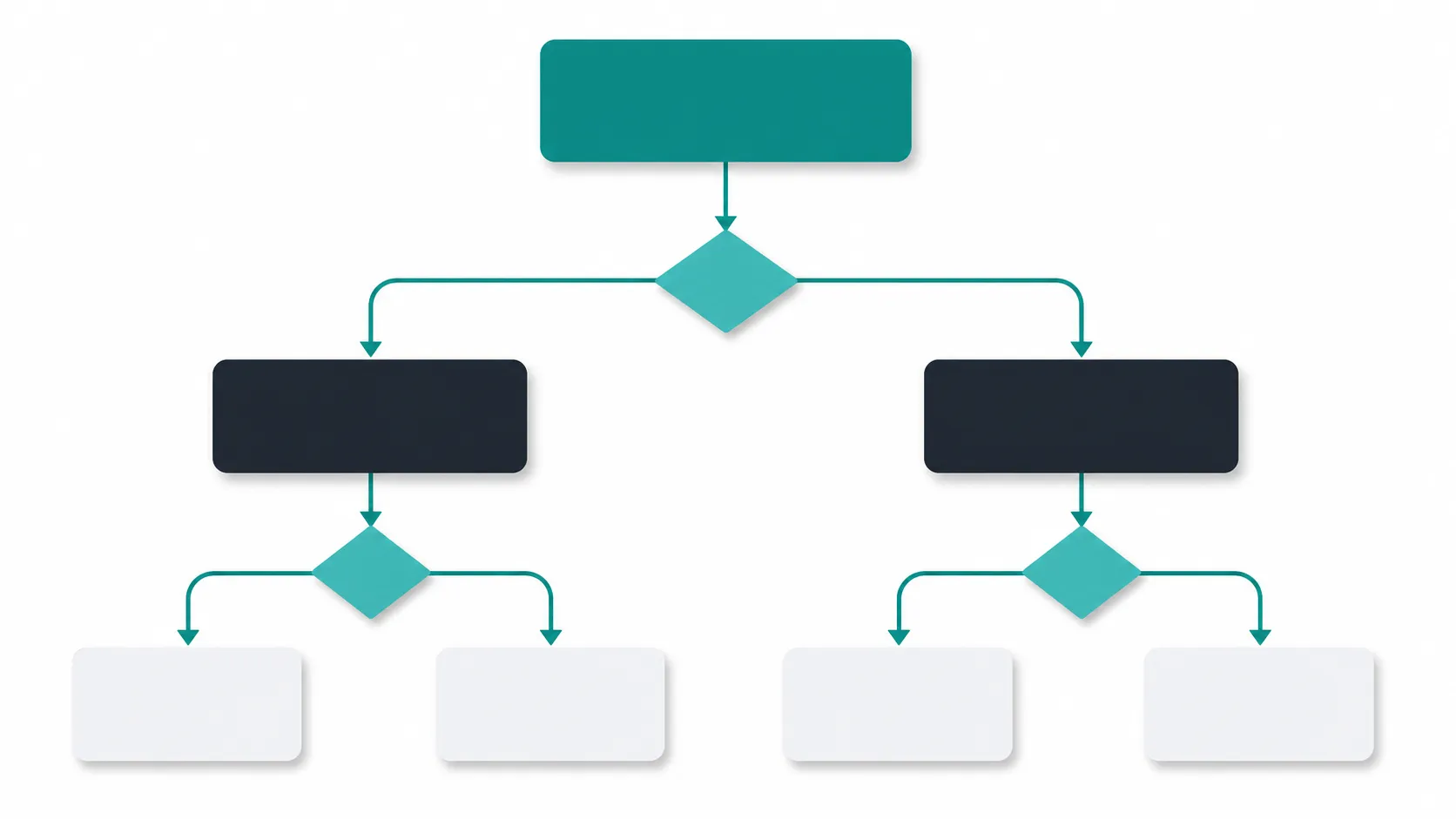
START: You have a domain name in mind
            │
            ▼
  Run WHOIS lookup at lookup.icann.org
            │
    ┌───────┴────────┐
    │                │
No match          Match found
(unregistered)        │
    │          ┌──────┴───────┐
    ▼          │              │
AVAILABLE   Has a live     Parked / no
to register  website?      active site?
    │          │              │
    ▼          ▼              ▼
Register    Is it a      Contact owner
quickly -  business you  or check
front-run  could compete aftermarket
risk is    with? Pivot.  platforms
real       Consider a    (Sedo, Afternic)
           new name.          │
                              ▼
                     Is the asking price
                     within budget?
                        │         │
                       Yes        No
                        │         │
                        ▼         ▼
                     Negotiate  Find an
                     and buy    alternative
                                name via
                                FindMyURL
What should I do once I confirm a domain is available?
Once WHOIS confirms a domain is unregistered:
- Register immediately. Domain availability can change within hours. Speculators use automated tools to monitor expiring and newly available names.
- Choose an accredited registrar. ICANN maintains a list of accredited registrars. Compare pricing for the first year and renewal - introductory pricing is often significantly lower than renewal rates.
- Register for at least two years. Google has confirmed that registration length is not a direct ranking factor, but registering for longer protects against accidental expiry.
- Enable auto-renew and WHOIS privacy immediately after registration.
Our guide on how to buy a domain name covers the full registration process step by step.
For a side-by-side comparison of where to register, see: FindMyURL vs GoDaddy domain search
If the domain is already registered under your account but managed somewhere inconvenient, read how to transfer a domain name to a new registrar instead of buying a new one.
Frequently asked questions
How do I check if a domain name is taken? Run a WHOIS lookup at lookup.icann.org or use a real-time tool like FindMyURL. WHOIS returns registration data if the domain is taken, or confirms it is unregistered. Avoid relying solely on registrar search pages due to the risk of domain front-running.
What is WHOIS and how do I use it?
WHOIS is a public database of domain registration records. Go to lookup.icann.org, enter the full domain name including the TLD (e.g., mybrand.com), and submit. The result shows the registrar, registration and expiry dates, nameservers, and registrant contact details (where not redacted for privacy).
Can a registrar steal my domain search? Domain front-running - registering a domain after a user searches for it and then reselling it at a higher price - is a known risk. Several major registrars have faced accusations of this practice. Check availability via ICANN WHOIS or a neutral tool before using a registrar's own search bar.
What does it mean when a domain is parked? A parked domain is registered and owned but not actively used for a website. It may display placeholder content or ads. Parked domains are not available for standard registration - you would need to contact the owner or purchase through an aftermarket marketplace.
How do I check domain availability in bulk? Use a registrar's bulk search tool, query a registrar API directly (such as the GoDaddy API), or use FindMyURL to generate and check multiple names in real time. Be aware that bulk searches on registrar pages carry the same front-running risk as single searches.
Ready to find a domain that's actually available? Try FindMyURL →