To transfer a domain, unlock it at your current registrar, request an authorization (EPP) code, then initiate the transfer at your new registrar. Confirm ownership via email and wait up to 5–7 days for the process to complete. The transfer costs the price of a one-year renewal at the new registrar, and a 60-day lock applies after initial registration or any previous transfer.
Why Would You Transfer a Domain to a New Registrar?
Most domain owners transfer for one of four reasons:
- Price. Renewal rates vary significantly between registrars. A .com that costs $20/year at one registrar may cost $9.99 at another.
- Better management tools. DNS editors, bulk management, and API access differ widely.
- Bundled services. Some registrars offer free WHOIS privacy or SSL certificates that others charge for.
- Consolidation. Moving all domains under one registrar simplifies renewals and billing.
Transferring is a normal, routine process that ICANN explicitly protects your right to do. You are never locked in permanently.
What Are the Requirements Before You Can Transfer?
Before initiating a transfer, confirm all of the following:
| Requirement | Details |
|---|---|
| Domain is older than 60 days | ICANN mandates a 60-day lock on new registrations |
| No transfer in the past 60 days | The same 60-day lock applies after any previous transfer |
| Domain is not expired | Expired domains must be renewed before they can be transferred |
| Domain is unlocked | The registrar lock (transfer lock) must be disabled |
| Registrant email is accessible | Confirmation emails are sent here - you must be able to receive them |
| No active legal dispute | Domains under dispute or on hold cannot be transferred |
If your domain was registered recently, check the registration date in your registrar dashboard. You can also look up the creation date using a WHOIS lookup.
If you are not sure whether the domain is currently registered, start with how to check if a domain name is available before planning a transfer.
How Does the Domain Transfer Process Work, Step by Step?
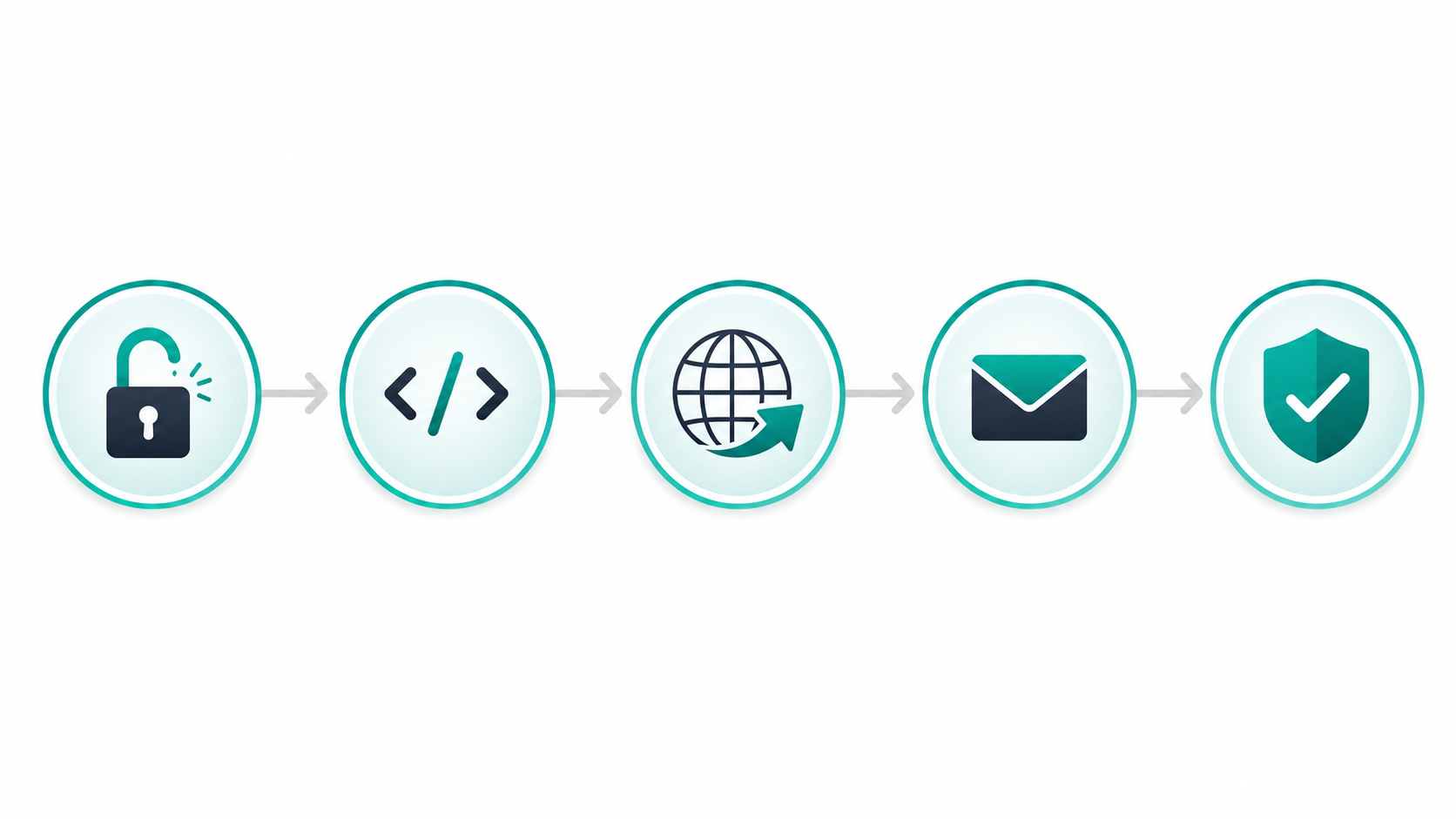
Step 1 - Unlock your domain at the current registrar
Log in to your current registrar's control panel. Find your domain settings and look for a toggle labelled Registrar Lock, Transfer Lock, or Domain Lock. Disable it. This tells the domain registry that the domain is authorised to leave.
Step 2 - Disable WHOIS privacy (temporarily)
Many registrars obscure your contact email with a WHOIS privacy proxy. During a transfer, the confirmation email must reach your actual registrant address. Disable privacy protection temporarily - you can re-enable it at the new registrar once the transfer completes.
Step 3 - Request your EPP authorization code
Still in your current registrar's dashboard, locate the option to Get Auth Code, Request EPP Code, or Transfer Code. The registrar sends it to your registrant email address. Most codes arrive within minutes, though some registrars take up to 24 hours.
ICANN policy requires registrars to provide the EPP code within 5 days of a request. If your registrar refuses or stalls, that is a violation of ICANN's transfer policy - see your rights below.
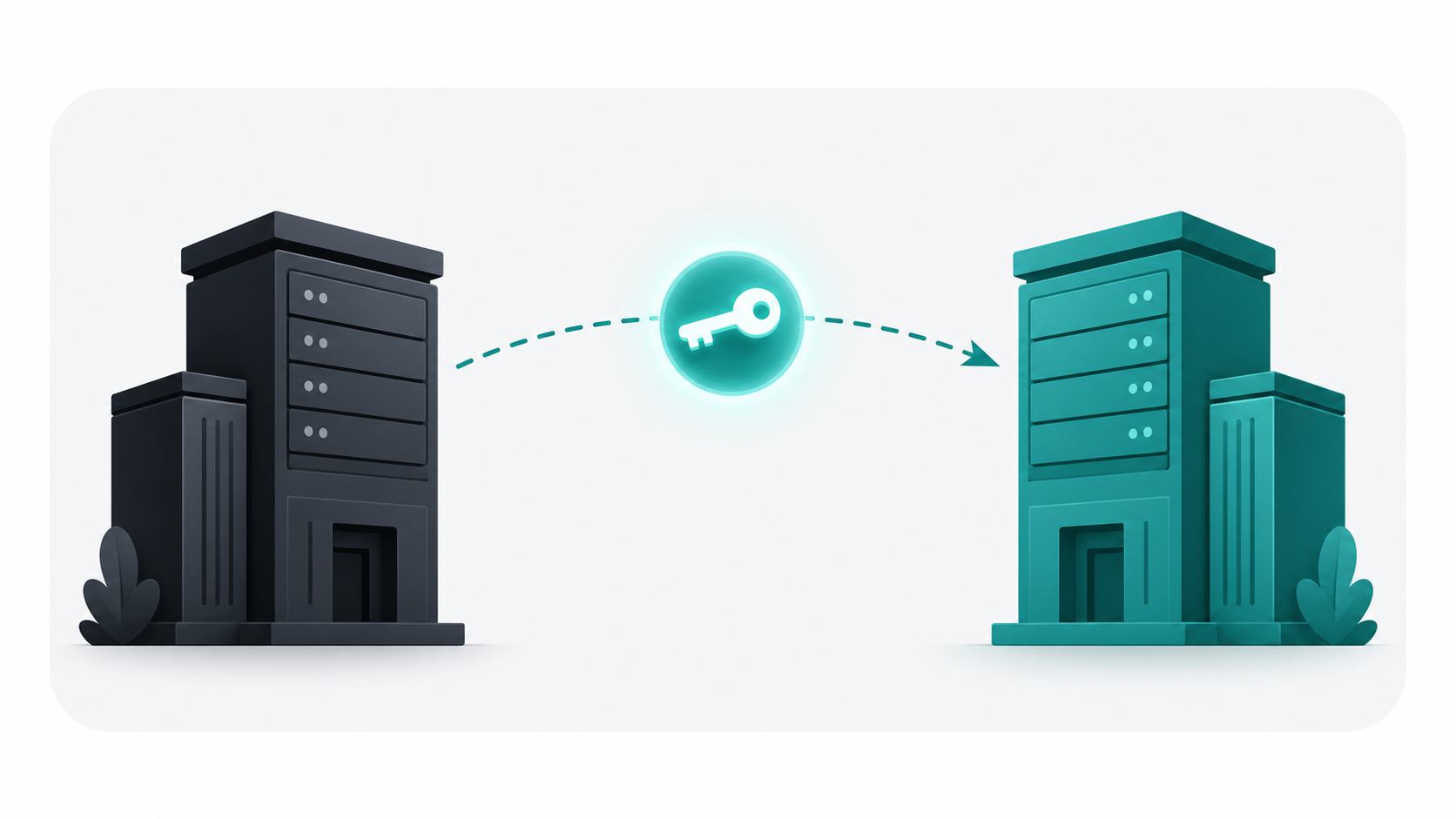
Step 4 - Initiate the transfer at the new registrar
At your new registrar, find their Domain Transfer page. Enter your domain name and paste the EPP code when prompted. Pay the transfer fee (one year's renewal at the new registrar's rate). The new registrar submits a transfer request to the domain registry.
For a practical walkthrough of how individual registrars handle this step, Namecheap's transfer guide is a reliable reference even if you are transferring to a different registrar.
Step 5 - Approve the transfer via email
You will receive an email from either the losing registrar, the gaining registrar, or both. The email contains an approval link. Click it. Approving explicitly shortens the transfer window - instead of waiting the full 7 days, the transfer can complete within hours.
If you do not approve, the transfer still completes automatically after 5–7 days unless the losing registrar actively rejects it (which they can only do under specific permitted circumstances).
If you are still choosing where to move the domain, compare renewal pricing and DNS tools in GoDaddy vs Namecheap vs Google Domains.
Step 6 - Wait for confirmation
The gaining registrar sends a confirmation email once the transfer is complete. Your domain now appears in the new registrar's dashboard. DNS settings carry over from the registry, so your website and email continue to work without interruption.
How Much Does a Domain Transfer Cost?
The gaining registrar charges you the equivalent of one year's renewal at their standard rate. For a .com this is typically $8–$15.
The critical detail: that renewal year is added to your existing expiry date, not subtracted from it. If you have 8 months left on your registration, after the transfer you will have 20 months. You never lose registration time you have already paid for - this is an ICANN requirement.
Your old registrar does not refund the remaining time on your existing subscription. Factor that in if you are transferring a domain you just renewed.
For a full breakdown of what domains cost at different registrars, see our guide: How much does a domain name cost in 2026?
What Are Your Rights Under ICANN's Transfer Policy?
ICANN's transfer policy sets rules that all accredited registrars must follow. As a registrant, you have the right to:
- Transfer your domain to any accredited registrar at any time (outside the 60-day lock).
- Receive your EPP code within 5 days of requesting it. Registrars cannot withhold it unless the domain is under a legal hold or active dispute.
- Not be charged by the losing registrar for releasing a domain.
- Have the transfer complete within 7 calendar days of initiation.

Registrars are only permitted to deny a transfer if:
- The domain was registered within the last 60 days.
- A previous transfer completed within the last 60 days.
- The domain is in a lock status due to a legal dispute or registry hold.
- The registrant explicitly requested a lock via their registrar's lock service.
If a registrar refuses your transfer outside of these permitted reasons, you can file a complaint with ICANN's Registrar Problem Reporting System.
What Are the Most Common Domain Transfer Problems?
Expired EPP code
EPP codes are time-limited - typically valid for 5 to 15 days depending on the registrar. If your transfer initiation takes longer than expected and the code expires, simply request a new one from your current registrar.
No access to the registrant email address
This is the most common blocker. If the email address on the domain's registrant contact is an old address you no longer access, update it at your current registrar before initiating the transfer. Without access to that inbox you cannot approve the transfer confirmation.
Registrar making the process difficult
Some registrars require phone verification, add waiting periods, or bury the EPP code request behind support tickets. These friction tactics are common at registrars with high churn. ICANN policy requires the code to be delivered within 5 days - if your registrar exceeds this, escalate via their support and reference the ICANN transfer policy.
Domain is less than 60 days old
If you encounter an error saying the domain is ineligible, check the creation date. You may simply need to wait.
WHOIS privacy blocking the confirmation email
If privacy protection is still active, the confirmation email goes to the privacy proxy rather than your real address. Disable privacy before initiating the transfer.
Does Transferring Affect Your Website or Email?
No. Transferring a domain moves the registration record (who manages billing and renewal) between registrars. It does not alter your DNS records, nameservers, or hosting configuration. Your website, email, and any other DNS-dependent services continue to resolve normally throughout the transfer period.
The only caveat: if you intentionally change nameservers at the new registrar as part of the transfer process, DNS propagation will take up to 48 hours. Keep your old and new DNS configurations in mind separately from the transfer itself.
How Do You Choose the Right Registrar to Transfer To?
Not all registrars are equal. Key factors to compare:
- Renewal pricing - introductory prices are often discounted; check year-two renewal rates.
- Free WHOIS privacy - Cloudflare, Namecheap, and Porkbun include this free. Others charge $8–$15/year.
- DNS management tools - look for a clean, reliable DNS editor if you manage your own records.
- Transfer-in pricing - some registrars price transfers cheaper than their standard renewal rate.
Our comparison guide GoDaddy vs Namecheap vs Google Domains covers the major registrars side by side.
If you are registering a new domain rather than transferring an existing one, see our guide How to buy a domain name.
FindMyURL uses AI to generate domain names and checks real-time availability across major domain registrars, so every suggestion you see is actually available to register right now.
If you are transferring because the original registrar became expensive, review should you buy an expired domain? before chasing aged-domain shortcuts.
Frequently Asked Questions
How long does a domain transfer take?
Domain transfers take up to 7 days under ICANN policy. If both the losing and gaining registrar approve the transfer promptly, it can complete in as little as 24 hours. The 7-day window exists to give the current registrant time to dispute an unauthorised transfer.
Does transferring a domain cost money?
Yes. The gaining registrar charges the equivalent of one year's renewal at their rate - typically $8–$15 for a .com. That year is added on top of your remaining registration time, not subtracted from it. Your old registrar does not charge a release fee.
Can I transfer a domain I just registered?
Not immediately. ICANN enforces a 60-day lock on all newly registered domains and on domains transferred within the previous 60 days. You must wait until the lock period expires before initiating a new transfer.
What is an EPP or authorization code?
An EPP code (also called an auth code or transfer code) is a unique alphanumeric string tied to your specific domain. It proves you are the authorised owner and allows the gaining registrar to initiate the transfer. You request it from your current registrar, and it is typically valid for 5–15 days before expiring.
Will I lose my website during a domain transfer?
No. A domain transfer moves the registration record between registrars but does not change your DNS settings. Your website, email, and any other services connected to the domain continue to function throughout the transfer process, as long as you do not change your nameservers.
Ready to find a new domain or check availability before you register? Visit FindMyURL to search with AI-powered suggestions - every result is verified available in real time.