Panabee is a free business name and domain generator that checks social handle availability alongside domain names. FindMyURL focuses specifically on AI-generated domain names with real-time availability checking. If you need a domain with matching social handles in one place, Panabee covers that ground — but for available .com domain names generated by AI that match your actual intent, FindMyURL goes considerably deeper.

What Is Panabee?
Panabee is a free naming tool that combines business name suggestions, domain availability, and social handle checking in a single search. You enter a keyword or two, and Panabee returns a visual map of name ideas alongside colour-coded availability status for domains and platforms like Instagram, Twitter, and Facebook.
Its standout feature is breadth: one search tells you whether a name is claimable across the web and social media simultaneously. It has a Product Hunt listing with consistent positive feedback for its simplicity and the visual exploration map.
Panabee in brief:
- Free to use, no account required
- Generates name variations based on prefixes, suffixes, and portmanteau combinations
- Checks
.com,.net,.org, and country-code domains - Shows social handle availability for major platforms
- Visual bubble map for exploring related name ideas
What Is FindMyURL?
FindMyURL uses AI to generate domain names and checks real-time availability across major domain registrars, so every suggestion you see is actually available to register right now. You describe what your business does — in plain language — and the AI returns domain names that reflect your intent, tone, and niche rather than simple keyword permutations.
FindMyURL in brief:
- AI interprets your business context, not just keywords
- Every result is confirmed available before it's shown
- Focused specifically on domain names, not social handles
- No wading through taken names or generic variations
- Built for founders who want a registrable
.comfast
How Do the Two Tools Compare Feature by Feature?
| Feature | Panabee | FindMyURL |
|---|---|---|
| Suggestion method | Keyword variation + portmanteau | AI intent-based generation |
| Domain availability | Yes, multiple TLDs | Yes, real-time confirmed available |
| Social handle checking | Yes (Instagram, Twitter, Facebook, etc.) | No |
| Filters taken domains | Partial | Yes — only available names shown |
| Visual exploration | Bubble map | Clean list interface |
| Cost | Free | Free |
| Account required | No | No |
| AI-powered | No | Yes |
Suggestion Quality
Panabee generates names through pattern-based logic — combining your keywords with common prefixes, suffixes, and blended word pairs. It's fast but mechanical. The results often include obvious combinations like "NestHub" or "BluePeak" that feel generic.
FindMyURL interprets what you're actually building. Describe your SaaS tool for freelance accountants and you'll get domain suggestions that reflect that positioning — not just "AccountPro" and "FreelanceBase."
Availability Checking
Both tools check domain availability, but there's a meaningful difference in approach. Panabee shows you names and then indicates availability — meaning you'll encounter unavailable suggestions in your results. FindMyURL filters before displaying, so every name you see is registrable right now. That removes a layer of manual sifting.
Social Handle Checking
This is where Panabee clearly wins. Panabee checks username availability across Instagram, Twitter/X, Facebook, Pinterest, and YouTube in the same search. FindMyURL doesn't offer this. If cross-platform social presence matters to you at the naming stage, Panabee is the better tool for that specific job.
For dedicated social handle research, Namecheckr also covers an extensive list of platforms and is worth bookmarking alongside either tool.
UI and Experience
Panabee's bubble map is visually distinctive. It's useful for exploring adjacent name ideas when you don't have a fixed direction. FindMyURL's interface is more direct — you describe your business, you get available names. There's no exploration layer, which is either a strength or a weakness depending on what stage you're at.
Cost
Both tools are free. Neither requires an account to generate results.
What Are Panabee's Strongest Use Cases?

Panabee is most useful when:
- Social media presence is a priority from day one. If you're launching a consumer brand where Instagram and TikTok handles matter as much as the domain, Panabee's combined check saves time.
- You're in early exploration mode. The visual bubble map helps when you haven't settled on a naming direction and want to see what territory surrounds your seed keywords.
- You want a broad availability overview. Panabee checks multiple TLDs and social platforms in one pass, giving you a wide snapshot of what's claimable.
What Are FindMyURL's Strongest Use Cases?
FindMyURL is most useful when:
- You need a registrable
.comdomain quickly. Every result is confirmed available, so you can go from idea to checkout without detours. - You have a clear business concept but need naming ideas. The AI responds to context, not just keywords — useful when you know what you're building but haven't found the right name.
- You want quality over quantity. FindMyURL returns fewer suggestions than Panabee, but each one is purposeful and available.
- You're building a SaaS, app, or digital product. The AI's suggestions tend to land well for tech-adjacent businesses where domain credibility matters.
For a broader look at the landscape, see our roundup of the best domain name generators in 2026 and our guide to free vs paid domain generators.
Who Should Use Each Tool?
Use Panabee if:
- You're naming a consumer brand with active social media plans
- You want to explore name ideas visually before committing to a direction
- You need a quick cross-platform availability snapshot
Use FindMyURL if:
- You want AI-generated domain names that reflect your actual business concept
- You're tired of sifting through unavailable names
- You're building a digital product and need a credible
.comfast
If you're comparing multiple AI-powered naming tools, our Namelix vs FindMyURL breakdown is worth reading alongside this one.
What's the Best Workflow Using Both Tools?
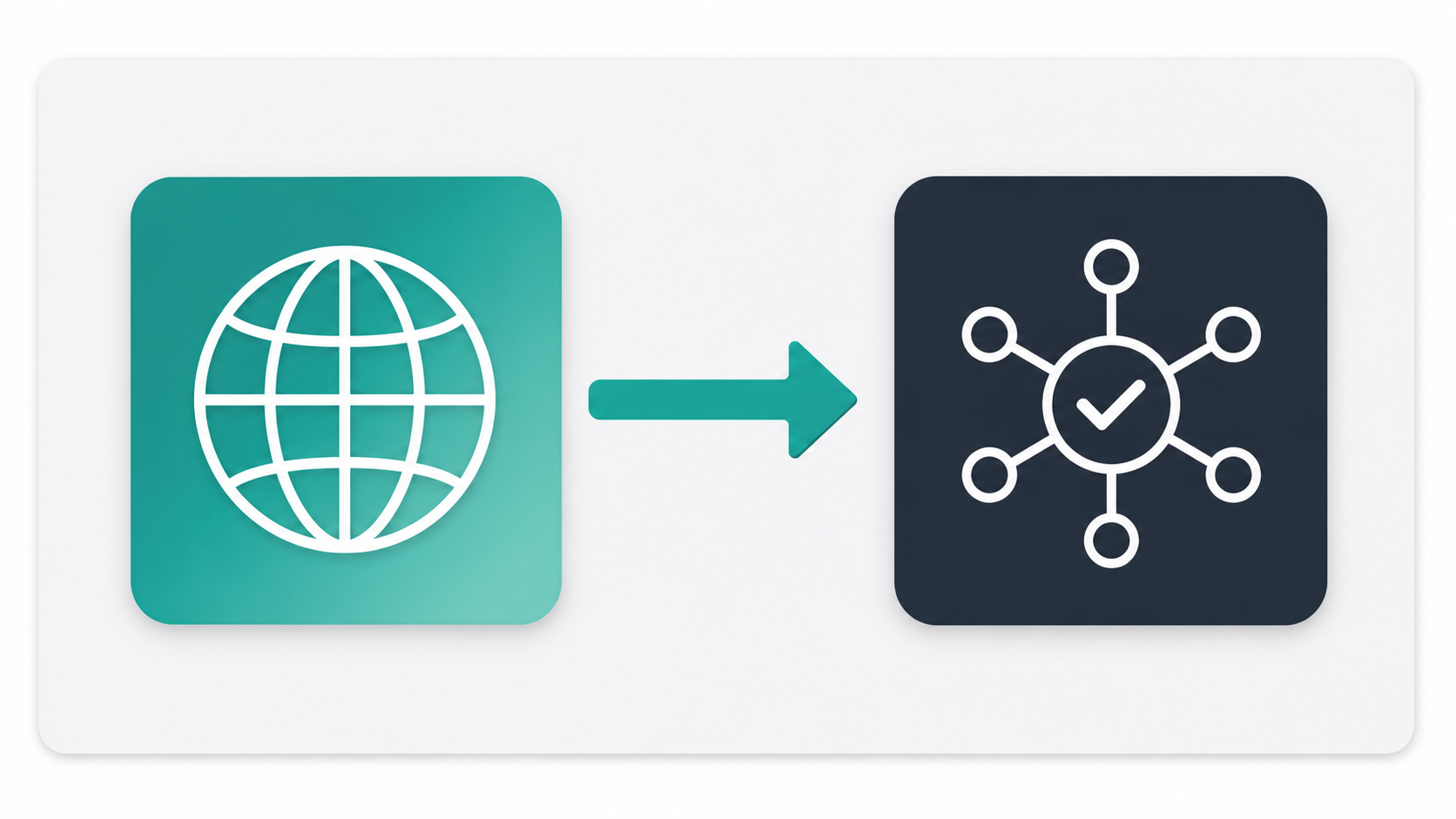
These tools solve different problems well enough that using both in sequence makes sense.
Step 1 — Generate with FindMyURL. Describe your business and generate a shortlist of available, AI-suggested domain names. Because every result is confirmed available, you can select two or three strong candidates in minutes.
Step 2 — Validate with Panabee. Take your shortlisted domains into Panabee and check social handle availability for each. This tells you whether the name is claimable across Instagram, Twitter/X, and YouTube before you register anything.
This two-step approach combines FindMyURL's stronger domain generation with Panabee's social handle coverage — without relying on either tool for something it does less well.