---
title: "What is domain name privacy and do you actually need it?"
slug: "what-is-domain-name-privacy"
category: "Domain Name Tips"
keywords: ["domain privacy", "WHOIS protection", "domain privacy guard"]
description: "Domain name privacy hides your personal contact details from the public WHOIS database. Here's what gets exposed, why it matters, and how to enable it."
---
# What is domain name privacy and do you actually need it?
Domain name privacy (also called WHOIS privacy or privacy protection) hides your personal contact details — name, address, phone number, and email — from the publicly searchable WHOIS database. Most registrars now include it free. You should always enable it to prevent spam, phishing, and your home address being publicly listed online.
---
## What is WHOIS and what does it actually expose?
When you register a domain name, ICANN (the body that oversees the global domain system) requires registrars to collect your contact information. This data gets stored in the **WHOIS database** — a public directory that anyone can query instantly.
Without domain privacy enabled, a WHOIS lookup on your domain reveals:
| Field | Example |
|---|---|
| Registrant name | Jane Smith |
| Street address | 42 Home Street, London, EC1A 1BB |
| Phone number | +44 7700 900000 |
| Email address | jane@example.com |
| Registration and expiry dates | 2023-04-01 / 2025-04-01 |
| Registrar name | Namecheap, GoDaddy, etc. |
You can verify this yourself using the [ICANN WHOIS lookup tool](https://lookup.icann.org) — search any domain and see exactly what's visible to the public.

**The problem:** this data is publicly accessible to anyone — including scrapers, spammers, and bad actors — with no login or permission required.
---
## What are the real risks of leaving WHOIS data public?
Without WHOIS protection enabled, your registration details become an open data source. The practical risks include:
### Spam and unsolicited solicitation
Domain registrants are prime targets for cold outreach. The moment your domain goes live, automated scrapers harvest your email and phone number. You'll receive:
- SEO and web design sales pitches
- Domain broker cold emails
- Hosting upsell offers
- Robocalls and SMS spam
### Targeted phishing attacks
Your WHOIS email is often your business contact. Attackers use it to craft convincing phishing emails impersonating your registrar ("Your domain is about to expire — click here to renew").
### Home address exposure
If you registered a domain from your home, your **residential address is publicly searchable**. Anyone can look up your domain and find where you live. This is a serious safety concern for sole traders, freelancers, and anyone running a business from home.
### Domain front-running and competitive intelligence
Competitors can monitor your registration activity. See our article on what is domain front-running for how this plays out in practice.
---
## How did GDPR change domain privacy for European registrants?
The EU's General Data Protection Regulation (GDPR), enforced from May 2018, had a significant impact on WHOIS data. Registrars operating under GDPR jurisdiction are now legally restricted from publishing personal data in public WHOIS records for European registrants.
**What this means in practice:**
- EU/UK registrants often have their data redacted automatically, even without a paid privacy add-on
- Non-European registrants — particularly in the US — are **not automatically protected** and still need to enable privacy manually
- WHOIS now frequently shows "REDACTED FOR PRIVACY" for EU registrant fields, but the underlying data is still held by the registrar
If you're outside the EU, or if you want consistent protection regardless of your location, **manually enabling domain privacy guard is still the right move**. Don't rely on GDPR coverage if you're unsure of your registrar's policy.
The [Electronic Frontier Foundation (EFF)](https://www.eff.org) has covered WHOIS privacy extensively and remains a strong advocate for registrant data protection.
---
## How do you enable domain privacy at major registrars?
Enabling WHOIS protection is straightforward at every major registrar. Here's how it works at the most popular options:
### GoDaddy
1. Log in → go to **My Products → Domains**
2. Click **Manage** next to your domain
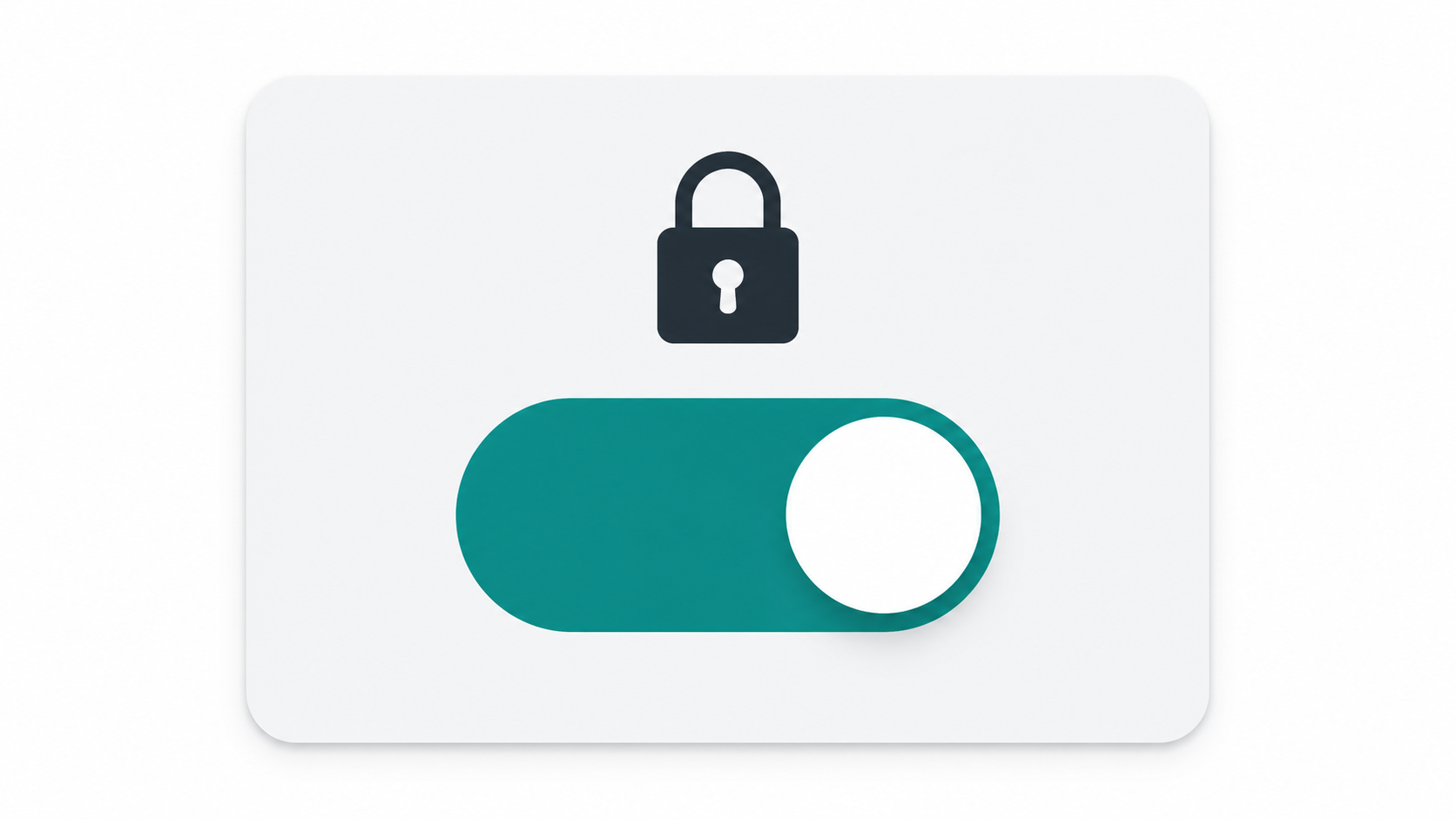
3. Under **Additional Settings**, find **Privacy** and toggle it on
- Cost: GoDaddy charges for privacy on some plans (~$9.99/year per domain)
### Namecheap
1. Log in → **Domain List** → click **Manage**
2. Under **WhoisGuard**, toggle to **Enabled**
- Cost: **Free for life** on most TLDs
### Cloudflare Registrar
- Domain privacy is **included automatically** and free on all domains
- No toggle required — it's on by default
- [Cloudflare Registrar](https://www.cloudflare.com/products/registrar) is worth considering if privacy and cost transparency matter to you
### Google Domains (now Squarespace Domains)
- Privacy protection was **included free** under Google Domains and remains available under Squarespace's management
- Enable via **DNS → Privacy protection** in domain settings
### General rule
Before registering anywhere, check our comparison of [GoDaddy vs Namecheap vs Google Domains](/blog/godaddy-vs-namecheap-vs-google-domains-registrar) — privacy pricing varies significantly between registrars and it's worth factoring in before you commit.
---
## Are there any downsides to domain privacy?
Domain privacy guard is almost always beneficial, but there are two scenarios worth knowing about:
### Domain dispute resolution (UDRP)
If someone files a Uniform Domain-Name Dispute-Resolution Policy (UDRP) complaint against your domain, your registrar will disclose your real identity to the relevant authority regardless of privacy settings. Privacy doesn't help you hide from legitimate legal processes — it just keeps you hidden from the general public.
### Established businesses with public registration info
If your business is already publicly registered (e.g., a UK Ltd company with a Companies House address), your business address is already a matter of public record. Domain privacy adds a layer of protection for the email and phone fields, but the address concern is largely moot. That said, even in this case, enabling privacy is still recommended — there's no cost to it at most registrars, and it reduces spam significantly.
---
## Who actually needs domain privacy?
**Always enable it if you are:**
- A freelancer or sole trader using a home address
- A blogger or creator registering domains personally
- Anyone concerned about spam, phishing, or identity exposure
- Based outside the EU and not automatically protected by GDPR
**Lower priority, but still recommended, if you are:**
- A registered business with a public commercial address
- An EU registrant whose data is already GDPR-redacted
In short: there is almost no scenario where leaving WHOIS data public is the right call. The risks are real, and the protection is typically free.
---
## How do you find a domain to register with privacy included?
Before worrying about privacy settings, you need a domain worth protecting. FindMyURL uses AI to generate domain names and checks real-time availability across major domain registrars, so every suggestion you see is actually available to register right now.
Once you have a domain in mind, check [how to check if a domain name is available](/blog/how-to-check-if-domain-name-is-available) before you proceed. Then read our guide on [how to buy a domain name](/blog/how-to-buy-domain-name-step-by-step-beginners) for a step-by-step walkthrough of the full registration process — including where to enable privacy protection during checkout.
→ **[Try FindMyURL free — generate available domain ideas instantly](https://findmyurl.app)**
---
## Frequently Asked Questions
```json
{
"@context": "https://schema.org",
"@type": "FAQPage",
"mainEntity": [
{
"@type": "Question",
"name": "Is domain privacy worth it?",
"acceptedAnswer": {
"@type": "Answer",
"text": "Yes. Domain privacy prevents your name, home address, phone number, and email from being publicly searchable in the WHOIS database. It reduces spam, blocks phishing targeting, and protects your physical address. Since most registrars now offer it free, there is almost no reason not to enable it."
}
},
{
"@type": "Question",
"name": "Does domain privacy affect SEO?",
"acceptedAnswer": {
"@type": "Answer",
"text": "No. Domain privacy has no impact on search engine rankings. Google does not use WHOIS data as a ranking signal. Enabling WHOIS protection does not affect how your site is indexed or ranked."
}
},
{
"@type": "Question",
"name": "What is WHOIS and what does it show?",
"acceptedAnswer": {
"@type": "Answer",
"text": "WHOIS is a publicly queryable database that stores the contact details of domain name registrants. Without privacy enabled, it shows your full name, physical address, phone number, email address, and domain registration and expiry dates. Anyone can look this up instantly using tools like the ICANN WHOIS lookup at lookup.icann.org."
}
},
{
"@type": "Question",
"name": "Is domain privacy free?",
"acceptedAnswer": {
"@type": "Answer",
"text": "It depends on the registrar. Namecheap includes WhoisGuard free for life. Cloudflare Registrar includes privacy automatically on all domains at no cost. GoDaddy charges approximately $9.99 per year per domain for privacy. Always check the registrar's pricing before registering to avoid unexpected costs."
}
},
{
"@type": "Question",
"name": "Can I add domain privacy after registration?",
"acceptedAnswer": {
"@type": "Answer",
"text": "Yes. You can enable domain privacy at any time through your registrar's domain management dashboard. However, any period where your domain was registered without privacy means your details were publicly exposed during that window. Enable it as early as possible — ideally at the point of registration."
}
}
]
}