How to Renew a Domain Name Before It Expires (and What Happens If You Don't)
Domain renewal is done through your registrar — log in, find your domain, and renew for 1–10 years. Most registrars offer auto-renew, which you should always enable. If a domain expires, there's typically a 30-day grace period where you can still renew at normal price, then a 30-day redemption period at a penalty fee ($80–$150), then it drops and anyone can register it.
How Do You Renew a Domain Name Step by Step?
Renewing a domain takes less than five minutes if you know where to look. Here's the exact process:
- Log in to your registrar — the company where you originally registered the domain (GoDaddy, Namecheap, Google Domains, etc.)
- Navigate to your domain list — usually found under "My Domains," "Domain Manager," or "Portfolio"
- Select the domain you want to renew
- Choose a renewal period — most registrars offer 1–10 years
- Confirm payment — the cost is typically $10–$20/year for a .com
- Check your confirmation email — you'll receive a receipt and updated expiry date
That's it. Your domain expiry date will update immediately in your registrar dashboard.
Pro tip: After renewing, verify the new expiry date in your domain dashboard. Registrar systems occasionally have sync delays.
If you're unsure which registrar holds your domain, do a WHOIS lookup at ICANN's lookup tool — it lists the registrar and expiry date for any registered domain.
What Is the Full Domain Expiry Timeline?
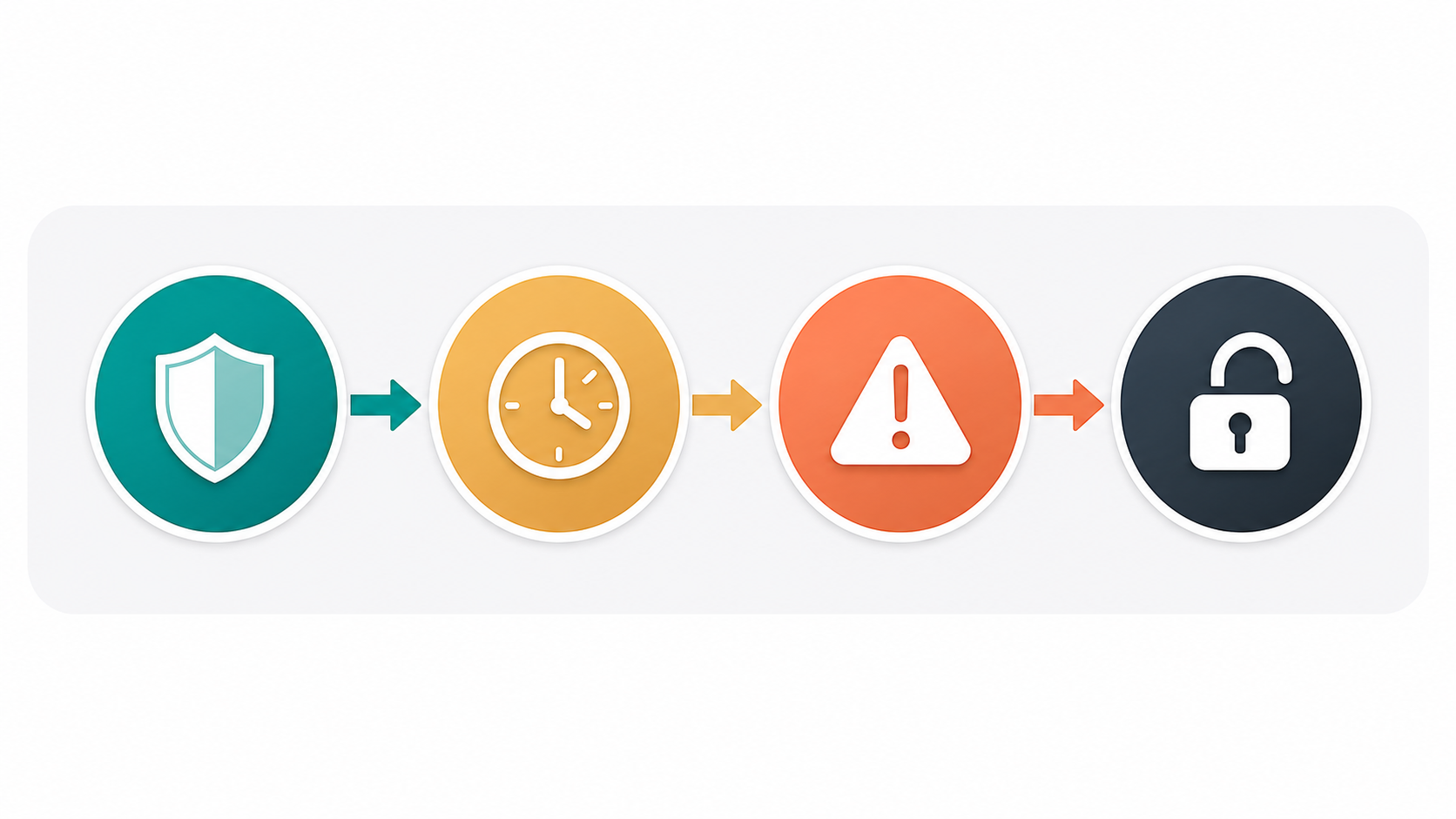
Most domain owners don't realise that expiry isn't a hard cliff — there are several stages before a domain is gone for good. Understanding the timeline gives you time to act.
Stage 1: Active (Before Expiry)
Your domain works normally. Renew at any time at the standard annual price. This is always the cheapest and easiest window.
Stage 2: Grace Period (Days 1–30 After Expiry)
- Duration: Approximately 30 days (varies by registrar and TLD)
- Cost: Standard renewal price
- What happens to your site: Your website and email will likely go offline or redirect to a registrar parking page
- Action required: Log in and renew — no penalty
Stage 3: Redemption Period (Days 31–60 After Expiry)
- Duration: Approximately 30 days
- Cost: $80–$150 redemption fee on top of the standard renewal price
- What happens: Domain is locked. You can only recover it through your registrar's redemption process
- Action required: Contact your registrar directly — this isn't always self-serve
Stage 4: Pending Delete (Days 61–65 After Expiry)
- Duration: 5 days
- Cost: Cannot be recovered — no exceptions
- What happens: The domain is queued for deletion. No registrar can help you here
Stage 5: Available (Day 66+)
- The domain drops back into the open market
- Anyone can register it at normal price
- Domain drop-catching services actively monitor and snap these up within seconds of release
ICANN's expiry policy documentation confirms this general timeline, though specific grace and redemption periods can vary slightly by registry (the organisation that manages each TLD).
What Happens to Your Website When a Domain Expires?
Your website goes offline — usually within hours of expiry, not days.
Here's the cascade of failures that follows expiry:
| What breaks | Timeline |
|---|---|
| Website goes offline or shows registrar parking page | Within hours |
| Email stops delivering | Within hours |
| SSL certificate may become unreachable | Immediately |
| Google Search Console loses verification | Within days |
| Search rankings begin to drop | Within days to weeks |
| Google may deindex pages | Within weeks |
The SEO impact is particularly damaging. A domain that has been live for years accumulates backlinks, authority, and ranking history. Letting it expire — even briefly — can erase years of that work. When the domain goes dark, Google starts treating it as a dead resource.
Why Do Domains Expire Accidentally?
The most common causes of accidental domain expiry are entirely preventable:
- Expired credit card — Registrars attempt to charge a stored card; if it's been replaced or expired, the renewal fails silently
- Renewal notice in spam — Registrars send multiple warning emails, but spam filters catch them frequently
- Wrong email address on file — An old work email or an address you no longer check
- Forgot which registrar holds the domain — Common when domains were transferred or registered years ago
- Assumed someone else renewed it — Happens in business partnerships and agencies
The fix for all of these: enable auto-renew and keep your payment details current.
How Do You Set Up Auto-Renew for Your Domain?
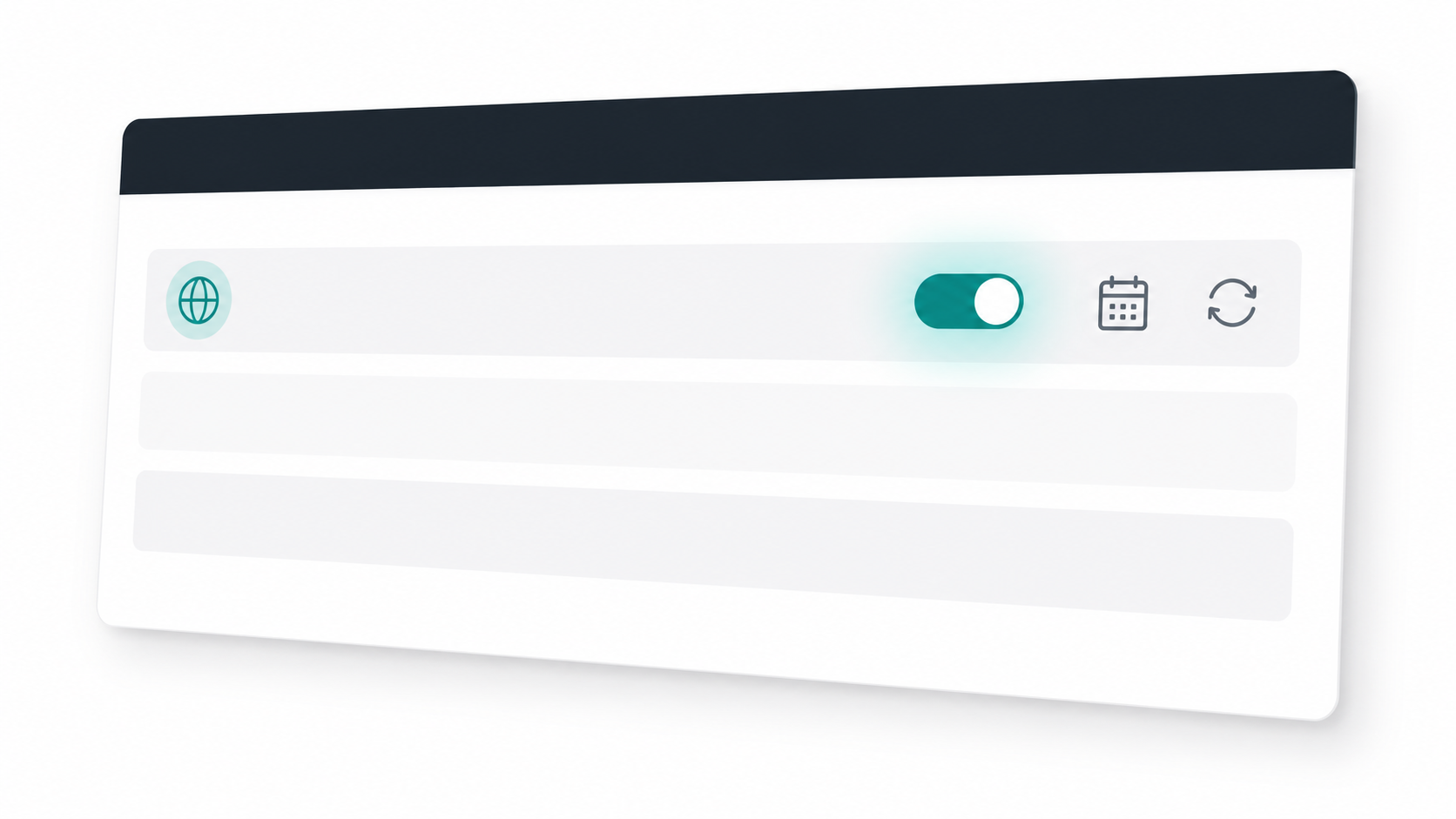
Auto-renew is the single most effective protection against accidental expiry. Here's how to enable it at the major registrars:
GoDaddy:
- Log in → My Products → Domains
- Click the domain → Settings
- Toggle "Auto-Renew" to ON
- Verify your payment method is current
Full walkthrough at GoDaddy's renewal guide.
Namecheap:
- Log in → Domain List
- Click "Manage" next to your domain
- Under the Domain tab, toggle "Auto-Renew" to ON
Full walkthrough at Namecheap's renewal help.
Google Domains / Squarespace Domains:
- Log in → My Domains
- Click the domain → Registration settings
- Enable "Auto-renewal"
After enabling auto-renew: Set a calendar reminder to check your payment method 60 days before expiry. Auto-renew only works if the charge succeeds.
Should You Register a Domain for Multiple Years?
Yes — and here's why it's worth considering.

Benefits of multi-year registration:
- Cost savings: Most registrars offer 10–20% discounts when you register for 2–5 years upfront
- Reduced expiry risk: Fewer renewal cycles mean fewer opportunities for accidental expiry
- SEO signal: Google has publicly stated that domain registration length is not a direct ranking factor — but longer registrations indicate commitment to a project, which may correlate with other positive signals
- Price lock-in: Domain prices occasionally increase; locking in today's price protects against future rises
Recommended approach:
- For a business domain: Register for 2–5 years minimum
- For a personal project: 1–2 years is fine if auto-renew is enabled
- For a speculative domain: 1 year, with auto-renew on
See our full breakdown in How Much Does a Domain Name Cost in 2026? for a comparison of multi-year pricing across registrars.
How Do You Renew Multiple Domains at Once?
If you manage more than a handful of domains, renewing them individually is tedious. Here's how to handle it efficiently:
Bulk renewal at GoDaddy:
- Log in → My Products → Domains
- Check the boxes next to multiple domains
- Click "Renew Selected" → choose renewal period → checkout
Bulk renewal at Namecheap:
- Log in → Domain List
- Filter by expiry date (sort "Expires" ascending to see what's due first)
- Select multiple domains → click "Renew Selected"
For large domain portfolios:
- Use a domain management platform or registrar with API access
- Set expiry date alerts via WHOIS monitoring tools
- Consider consolidating all domains to a single registrar for easier management
Our guide to How to Transfer a Domain Name walks through moving domains to a single registrar if yours are scattered across multiple accounts.
How Do You Recover a Domain After It Has Already Expired?
Your options depend entirely on which stage of the expiry timeline you're in.
In the grace period (days 1–30):
- Log in to your registrar and renew as normal
- Pay the standard renewal fee
- Domain is fully restored immediately
In the redemption period (days 31–60):
- Contact your registrar's support team — don't try to do this through self-serve
- Pay the standard renewal fee plus a redemption fee ($80–$150)
- Processing can take 24–72 hours
- Not all registrars surface this option in their UI; you may need to call
After pending delete (day 61+):
- You cannot recover it — there is no exception to this
- Monitor domain drop services (DropCatch, NameJet, GoDaddy Auctions) to try to catch it when it becomes available
- Be prepared to pay auction prices if the domain has value — popular expired domains are actively hunted
What Have Businesses Lost by Letting Domains Expire?
Domain expiry has caused real, serious damage to established businesses. A few documented cases illustrate the stakes:
The Foursquare accidental expiry (2010): The location startup's domain briefly expired due to a registrar billing error. Within hours, the site was inaccessible and the domain was at risk. They recovered it during the grace period — but it was a close call for a company then valued at hundreds of millions of dollars.
Small business domain squatting: A common pattern involves a business owner who registered a domain through a web agency. The agency holds the registration. When the business relationship ends and neither party renews, a squatter registers the lapsed domain and demands thousands to return it.
The expired email problem: A UK law firm lost control of client communications when their domain lapsed. Their email stopped delivering during an active case — correspondence intended for them was silently dropped.
The lesson in each case: domain expiry is a business continuity risk, not just a technical inconvenience.
How Do You Find a New Domain If Yours Has Already Gone?
If your domain has dropped and you need a fresh start — or you're launching something new — FindMyURL can help.
FindMyURL uses AI to generate domain names and checks real-time availability across major domain registrars, so every suggestion you see is actually available to register right now.
You can also read our full guide on How to Buy a Domain Name for a step-by-step walkthrough of the registration process, or compare registrars in our GoDaddy vs Namecheap vs Google Domains breakdown to find the best place to register your next domain.
Frequently Asked Questions
{
  "@context": "https://schema.org",
  "@type": "FAQPage",
  "mainEntity": [
    {
      "@type": "Question",
      "name": "What happens if I don't renew my domain name?",
      "acceptedAnswer": {
        "@type": "Answer",
        "text": "If you don't renew your domain name, your website and email will go offline shortly after the expiry date. You'll then have approximately 30 days to renew at normal price (grace period), followed by 30 days where you can still recover it but with a penalty fee of $80–$150 (redemption period). After around 65 days, the domain is permanently deleted and becomes available for anyone to register."
      }
    },
    {
      "@type": "Question",
      "name": "How long do I have to renew an expired domain?",
      "acceptedAnswer": {
        "@type": "Answer",
        "text": "You typically have up to 60 days after expiry to recover an expired domain — around 30 days at normal price during the grace period, and another 30 days during the redemption period at a penalty fee of $80–$150. After roughly 65 days, the domain enters a 5-day pending delete phase and cannot be recovered by anyone."
      }
    },
    {
      "@type": "Question",
      "name": "How much does it cost to renew a domain?",
      "acceptedAnswer": {
        "@type": "Answer",
        "text": "Standard domain renewal costs $10–$20 per year for a .com. If your domain has entered the redemption period after expiry, most registrars charge an additional $80–$150 redemption fee on top of the standard renewal price. Renewing before expiry — or enabling auto-renew — always gets you the lowest price."
      }
    },
    {
      "@type": "Question",
      "name": "Should I register a domain for multiple years?",
      "acceptedAnswer": {
        "@type": "Answer",
        "text": "Yes. Registering for multiple years reduces the risk of accidental expiry, often comes with a 10–20% discount, and locks in today's price against future increases. For a business domain, registering for 2–5 years is recommended. Auto-renew should still be enabled regardless of registration length."
      }
    },
    {
      "@type": "Question",
      "name": "How do I set up auto-renew for my domain?",
      "acceptedAnswer": {
        "@type": "Answer",
        "text": "Log in to your registrar, navigate to your domain settings, and toggle auto-renew to ON. Then verify that your payment method on file is current and not expired. At GoDaddy, this is under My Products → Domains → Settings. At Namecheap, it's under Domain List → Manage → Domain tab. Always confirm the auto-renew is active after enabling it."
      }
    }
  ]
}
{
  "@context": "https://schema.org",
  "@type": "HowTo",
  "name": "How to renew a domain name",
  "description": "Step-by-step guide to renewing a domain name through your registrar before it expires.",
  "step": [
    {
      "@type": "HowToStep",
      "name": "Log in to your registrar",
      "text": "Visit the registrar where your domain is registered (GoDaddy, Namecheap, Google Domains, etc.) and log in to your account."
    },
    {
      "@type": "HowToStep",
      "name": "Find your domain",
      "text": "Navigate to your domain list, usually found under 'My Domains,' 'Domain Manager,' or 'Portfolio.'"
    },
    {
      "@type": "HowToStep",
      "name": "Select a renewal period",
      "text": "Choose how many years to renew for — typically 1 to 10 years. Multi-year registrations often include a discount."
    },
    {
      "@type": "HowToStep",
      "name": "Confirm payment",
      "text": "Complete the checkout process using your stored payment method or a new card."
    },
    {
      "@type": "HowToStep",
      "name": "Enable auto-renew",
      "text": "After renewing, toggle auto-renew to ON in your domain settings to prevent future accidental expiry."
    },
    {
      "@type": "HowToStep",
      "name": "Verify the new expiry date",
      "text": "Check your domain dashboard to confirm the updated expiry date and save your renewal confirmation email."
    }
  ]
}