How to Change Your Domain Name Without Destroying Your SEO
Changing your domain name will cause a temporary SEO drop of 15–30% for 3–6 months as Google recrawls and reassigns authority — but if done correctly with 301 redirects, you should recover fully. The process: set up 301 redirects from every old URL to the corresponding new URL, update Google Search Console, notify major backlink sources, and update all internal links.
Why Do People Change Their Domain Name?
Domain changes aren't rare. Businesses outgrow their original names, better domains become available, or a rebrand makes the old URL feel like a liability. Common reasons include:
- A rebrand or name change — the company evolved and the old domain no longer fits
- The .com finally became available — you started on .net or .co and now the primary extension is up for grabs
- The old name is limiting growth — a hyper-niche domain that made sense in year one is now holding you back
- A legal issue — trademark conflicts that force a move
- Better memorability — a shorter, cleaner, or more brandable domain
Whatever the reason, the decision to change domains carries real SEO risk. Understanding that risk — and how to manage it — is the difference between a smooth migration and a traffic collapse.
If you're still searching for the right new domain, FindMyURL uses AI to generate domain names and checks real-time availability across major domain registrars, so every suggestion you see is actually available to register right now.
What Happens to Your SEO When You Change Domains?
When you move to a new domain, Google treats the new address as an unfamiliar entity. Even with perfect redirects, there's a transition period where:
- Crawl budget is consumed re-indexing old and new URLs simultaneously
- PageRank transfer via 301 redirects carries roughly 90–99% of link equity (according to Google), but there's still some signal loss during the transition
- Rankings fluctuate as Google processes the move, sometimes taking weeks per URL
- Organic traffic drops 15–30% in the short term, with full recovery typically between 3 and 6 months
The severity depends on the size of your site, the quality of your redirects, and how aggressively you communicate the change to Google.
Key insight: The migration itself doesn't destroy SEO. Doing it sloppily does.
What Is the Full Step-by-Step Process for Changing Your Domain?
Here is the complete domain migration process in sequence. Don't skip steps or reorder them.
Step 1: Buy and Prepare Your New Domain
Before touching anything on your live site:
- Register your new domain (use a reputable registrar)
- Set up hosting on the new domain
- Build an exact replica of your existing site on the new domain — same content, same structure, same URLs (just with the new domain)
- Test the new site thoroughly before going live
See our guide on how to transfer a domain name for the technical setup process.
Need help finding the right new domain? Read how to find a brandable domain name using AI to explore options before committing.
Step 2: Set Up 301 Redirects from Every Old URL to the New URL
This is the most critical step.
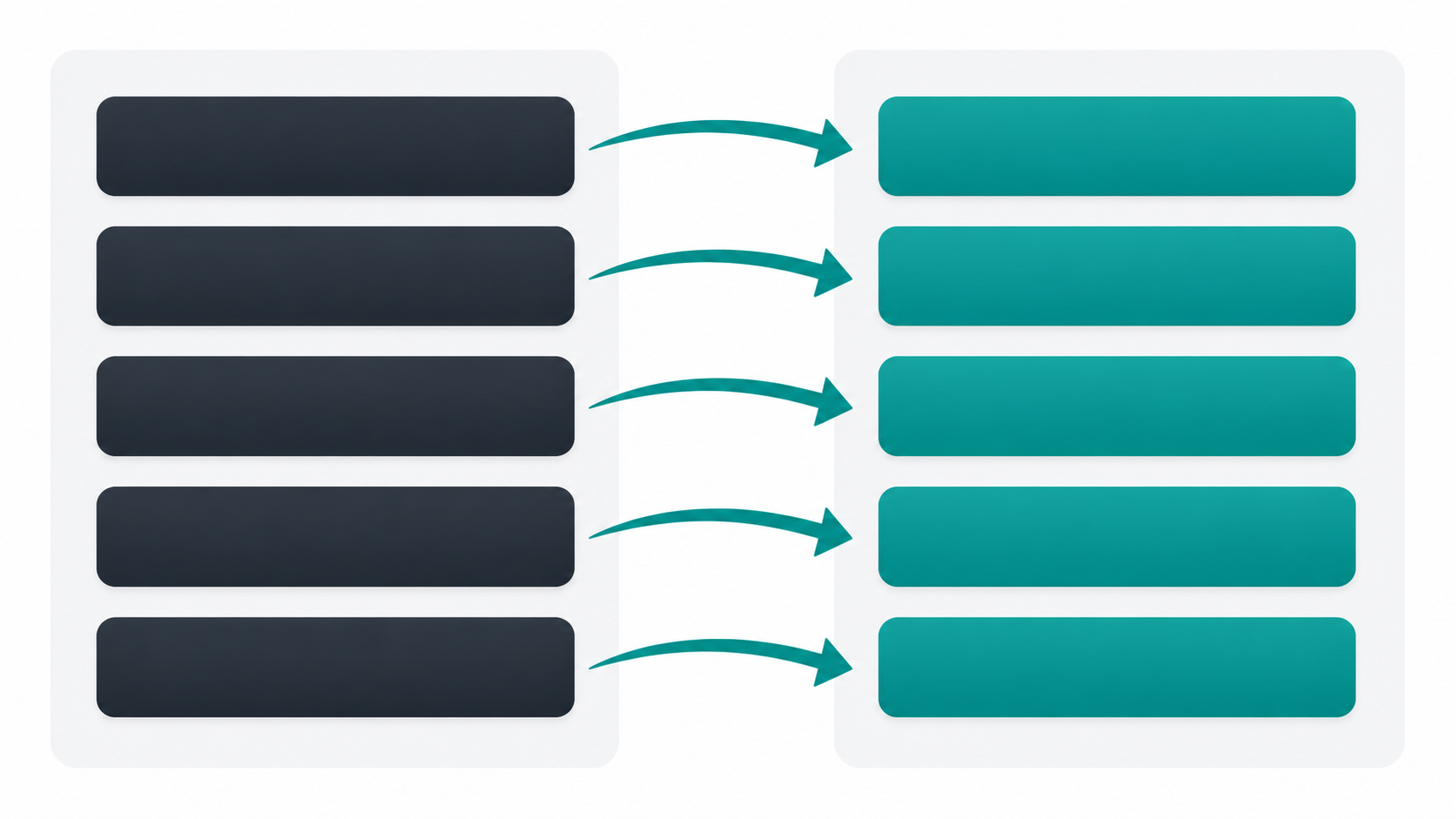
A 301 redirect is a permanent HTTP redirect that tells search engines and browsers: "This page has moved permanently. Transfer all authority to the new location." It's the primary mechanism for preserving SEO equity during a domain move.
Rules for redirects:
| Rule | Why It Matters |
|---|---|
| Redirect every URL, not just the homepage | Each page has independent ranking signals |
| Map old URLs to the exact equivalent new URL | /blog/post-1 → newdomain.com/blog/post-1 |
| Use server-side 301s, not JavaScript redirects | Google doesn't process JS redirects the same way |
| Avoid redirect chains | old → middle → new loses equity at each hop |
| Keep redirects live for at least 1–2 years | Backlinks and bookmarks don't update overnight |
For most sites on Apache, add rules to .htaccess. On Nginx, edit the server config block. On WordPress, use a plugin like Redirection or configure at the server level.
Learn more about how 301s pass authority at Moz's guide to 301 redirects.
Step 3: Update Google Search Console
Google Search Console has a built-in Change of Address tool specifically for domain migrations. Here's how to use it:
- Verify your new domain in Search Console (add it as a new property)
- Go to your old domain's Search Console property
- Navigate to Settings → Change of Address
- Select your new domain from the dropdown
- Submit the change
This officially notifies Google of the move and accelerates the recrawling process. Google recommends keeping your old Search Console property active for monitoring even after the move.
Full documentation: Google Search Central — site moves with URL changes
Step 4: Submit a New Sitemap
After the Search Console notification:
- Generate a fresh XML sitemap for your new domain
- Submit it in your new domain's Search Console property under Sitemaps
- Request indexing for your most important pages manually via the URL Inspection tool
A clean sitemap helps Google prioritise which pages to crawl first, reducing the time your most valuable content sits unindexed.
Step 5: Update Your Analytics Tracking
Your analytics will fragment across two domains if you don't update:
- Google Analytics 4: Update the data stream URL and any cross-domain tracking settings
- Google Tag Manager: Update any domain-specific triggers
- Other platforms (Hotjar, Mixpanel, etc.): Update the tracked URL in each tool
Create an annotation or note in your analytics on the go-live date — you'll need this to distinguish natural traffic fluctuations from migration impact when reviewing data later.
Step 6: Notify Important Backlink Sources
Backlinks pointing to your old domain will still transfer equity via 301 redirects, but there's a small ongoing cost to leaving them on the old domain. For your highest-value backlinks:
- Export your backlink profile from Ahrefs, Semrush, or Google Search Console
- Sort by Domain Rating or referring traffic
- Contact the top 20–50 linking sites and request they update the link to your new domain
- Prioritise editorial links over directory or footer links
This step is often skipped. Don't skip it.
Step 7: Update All Internal Links and Canonical Tags
Crawl your new site using Screaming Frog or a similar tool and find:
- Internal links still pointing to the old domain (update them all)
- Canonical tags referencing the old domain (update to new domain)
- Open Graph and Twitter Card URLs in your site's
<head> - Structured data / schema markup containing old domain references
- Hardcoded URLs in your theme, templates, or CMS settings
A single canonical tag pointing to the wrong domain can undermine your migration on high-traffic pages.
Step 8: Update Social Profiles and External Business Listings
Work through:
- All social media bios and website fields (Twitter/X, LinkedIn, Instagram, Facebook, YouTube)
- Google Business Profile
- Industry directories and citation sources
- Email signatures
- Paid ad destination URLs
- Any press releases or media mentions you control
What Are the Most Common Domain Migration Mistakes?
Most SEO damage from domain changes comes from predictable, avoidable errors.
1. Redirect chains
If you've had previous migrations, you may already have domain-A → domain-B redirects. Adding a new domain creates domain-A → domain-B → domain-C. Each hop dilutes equity. Flatten all chains to direct 301s.
2. Missing pages Only redirecting the homepage and top-level pages is a common shortcut that kills blog, product, and tag page rankings. Every indexed URL needs a redirect.
3. Removing redirects too early Some teams remove old domain redirects after 3–6 months to "clean up." Don't. Backlinks accumulate over years. Keep redirects active for a minimum of 12 months, ideally longer.
4. Forgetting canonical tags If your new site still has canonical tags pointing to the old domain, you're actively telling Google to favour the old domain's content. Check every template.
5. Changing content at the same time A domain migration is not the time to redesign your site, rename your URLs, or overhaul your content strategy. Change one variable at a time. Rebrand the domain first; change everything else after traffic recovers.
6. Not monitoring post-migration Set up Google Search Console coverage reports and ranking monitoring from day one post-launch. Catch indexation issues within days, not weeks.
For further reading on migration strategy, see the Ahrefs domain migration guide.
How Long Does It Take to Recover SEO After a Domain Change?
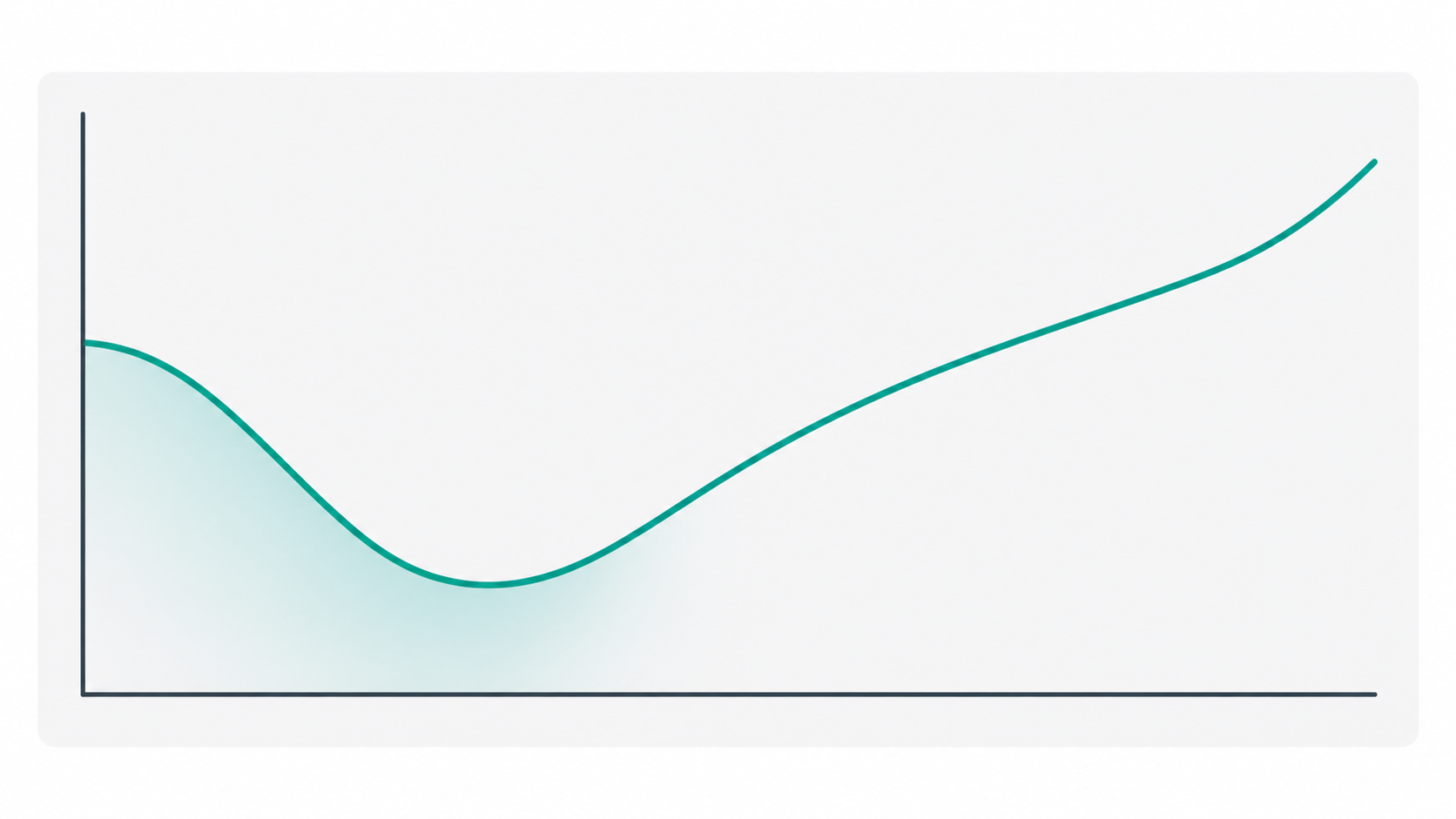
Here's a realistic recovery timeline for a well-executed migration:
| Timeframe | What Happens |
|---|---|
| Week 1–2 | 301s live, Search Console notified, sitemap submitted. Google begins crawling new domain. |
| Week 2–4 | New URLs start appearing in Google index. Old URLs begin dropping out. Rankings fluctuate heavily. |
| Month 1–2 | Traffic typically at its lowest point — 15–30% below baseline. Most pages indexed on new domain. |
| Month 2–4 | Gradual recovery as Google consolidates authority on new domain. Rankings stabilise. |
| Month 4–6 | Full or near-full recovery for well-executed migrations. |
| Month 6–12 | With active content and link building, new domain can outperform the old one. |
Variables that affect recovery speed:
- Site size — larger sites take longer to fully recrawl
- Domain age and authority — higher authority sites recover faster
- Redirect completeness — missing redirects = permanent rankings loss on those URLs
- Backlink quality — sites with many high-quality inbound links see faster authority transfer
- Content quality — thin or duplicate content problems that existed before migration won't resolve themselves
When Should You NOT Change Your Domain Name?
Sometimes the right answer is to stay put.
Don't change if:
- Your site is currently ranking well and growing — the temporary drop could cost you more than a better domain is worth
- You're in an active sales period or product launch — don't migrate during your highest-revenue window
- You don't have technical resources to execute the migration correctly — a partial migration causes more damage than no migration
- The new domain is only marginally better — the risk-reward calculation has to make sense
- Your business is heavily dependent on branded search — if "brand + old domain" is a top traffic driver, moving disrupts that signal
The SEO impact of your domain name choice is real, but it's not the biggest ranking factor. Read our full breakdown of does your domain name affect SEO? to understand where domain choice sits relative to content and backlinks.
Also review what makes a good domain name? before committing to a new domain — because the best outcome is choosing the right domain from the start.
Frequently Asked Questions
{
  "@context": "https://schema.org",
  "@type": "FAQPage",
  "mainEntity": [
    {
      "@type": "Question",
      "name": "How much SEO do you lose when you change your domain?",
      "acceptedAnswer": {
        "@type": "Answer",
        "text": "Most websites experience a temporary traffic drop of 15–30% in the first 1–3 months after a domain change. This is not permanent. With a correctly executed 301 redirect migration, full recovery typically occurs within 3–6 months. The amount of equity lost depends on the completeness of your redirects, the quality of your backlink profile, and how quickly Google recrawls your new domain."
      }
    },
    {
      "@type": "Question",
      "name": "How long does it take to recover SEO after a domain change?",
      "acceptedAnswer": {
        "@type": "Answer",
        "text": "Recovery typically takes 3–6 months for a well-executed migration. Small sites with clean redirects and strong backlink profiles can recover in as little as 6–8 weeks. Large sites with thousands of URLs may take up to 12 months to fully stabilise. The recovery clock starts the day your redirects go live and you notify Google via the Search Console Change of Address tool."
      }
    },
    {
      "@type": "Question",
      "name": "What is a 301 redirect and why does it matter for a domain change?",
      "acceptedAnswer": {
        "@type": "Answer",
        "text": "A 301 redirect is a permanent HTTP status code that tells browsers and search engines a page has moved to a new location. For domain migrations, 301 redirects are the mechanism that transfers ranking authority (PageRank) from your old URLs to your new ones. Without them, your new domain starts with zero SEO equity. With them, Google carries over roughly 90–99% of the link equity accumulated by your old domain, which is why they're the single most important step in any domain change."
      }
    },
    {
      "@type": "Question",
      "name": "Do I need to tell Google about my new domain?",
      "acceptedAnswer": {
        "@type": "Answer",
        "text": "Yes. Google Search Console has a dedicated Change of Address tool specifically for domain migrations. You should verify your new domain in Search Console, then use the Change of Address tool in your old domain's property to formally notify Google of the move. This accelerates the recrawling process and helps Google consolidate signals on your new domain faster. You should also submit a new XML sitemap for the new domain."
      }
    },
    {
      "@type": "Question",
      "name": "Is it worth changing my domain name?",
      "acceptedAnswer": {
        "@type": "Answer",
        "text": "It depends on your specific situation. A domain change is worth it if the new domain meaningfully improves your brand, memorability, or long-term positioning — and you have the technical capability to execute the migration correctly. It's not worth it if your site is in the middle of strong growth, if you're approaching a major sales period, or if the new domain is only marginally better. The temporary SEO cost is real, and for some businesses the risk outweighs the benefit of a slightly better domain name."
      }
    }
  ]
}
{
  "@context": "https://schema.org",
  "@type": "HowTo",
  "name": "How to Change Your Domain Name Without Destroying Your SEO",
  "description": "A step-by-step guide to migrating from one domain to another while preserving search engine rankings through correct use of 301 redirects and Google Search Console.",
  "step": [
    {
      "@type": "HowToStep",
      "position": 1,
      "name": "Buy and prepare your new domain",
      "text": "Register your new domain, set up hosting, and build an exact replica of your existing site. Test thoroughly before going live."
    },
    {
      "@type": "HowToStep",
      "position": 2,
      "name": "Set up 301 redirects from every old URL to the new URL",
      "text": "Configure server-side 301 redirects for every indexed page on your old domain, mapping each URL to its exact equivalent on the new domain."
    },
    {
      "@type": "HowToStep",
      "position": 3,
      "name": "Update Google Search Console using the Change of Address tool",
      "text": "Verify your new domain in Search Console and use the Change of Address tool in your old domain's property to formally notify Google of the migration."
    },
    {
      "@type": "HowToStep",
      "position": 4,
      "name": "Submit a new XML sitemap",
      "text": "Generate and submit a fresh sitemap for your new domain in Search Console, and request indexing for your highest-priority pages."
    },
    {
      "@type": "HowToStep",
      "position": 5,
      "name": "Update analytics tracking",
      "text": "Update Google Analytics, Tag Manager, and any other analytics tools to track the new domain. Add an annotation marking the migration date."
    },
    {
      "@type": "HowToStep",
      "position": 6,
      "name": "Notify important backlink sources",
      "text": "Export your backlink profile, identify your top 20–50 linking domains, and contact site owners to update their links to the new domain."
    },
    {
      "@type": "HowToStep",
      "position": 7,
      "name": "Update internal links, canonical tags, and structured data",
      "text": "Crawl your new site to find and fix any internal links, canonical tags, or schema markup still referencing the old domain."
    },
    {
      "@type": "HowToStep",
      "position": 8,
      "name": "Update social profiles and external business listings",
      "text": "Update the website URL across all social media profiles, Google Business Profile, industry directories, and email signatures."
    }
  ]
}
Ready to find the right new domain before you commit to a migration? Visit findmyurl.app to generate available domain names instantly using AI — so you can be confident in your choice before making the switch.